Workday ERP is a core platform for modern organizations. It is used daily by HR teams onboarding new hires. Finance departments use it for managing budgets. Managers utilize the platform for approving requests. Employees handle personal information through self-service portals.
Because Workday supports such a wide range of business-critical functions, accessibility is not optional, it’s essential. A VPAT® (Voluntary Product Accessibility Template) allows organizations to understand how accessible Workday ERP is and how it aligns with WCAG 2.2, Section 508, and EN 301 549 global accessibility standards.
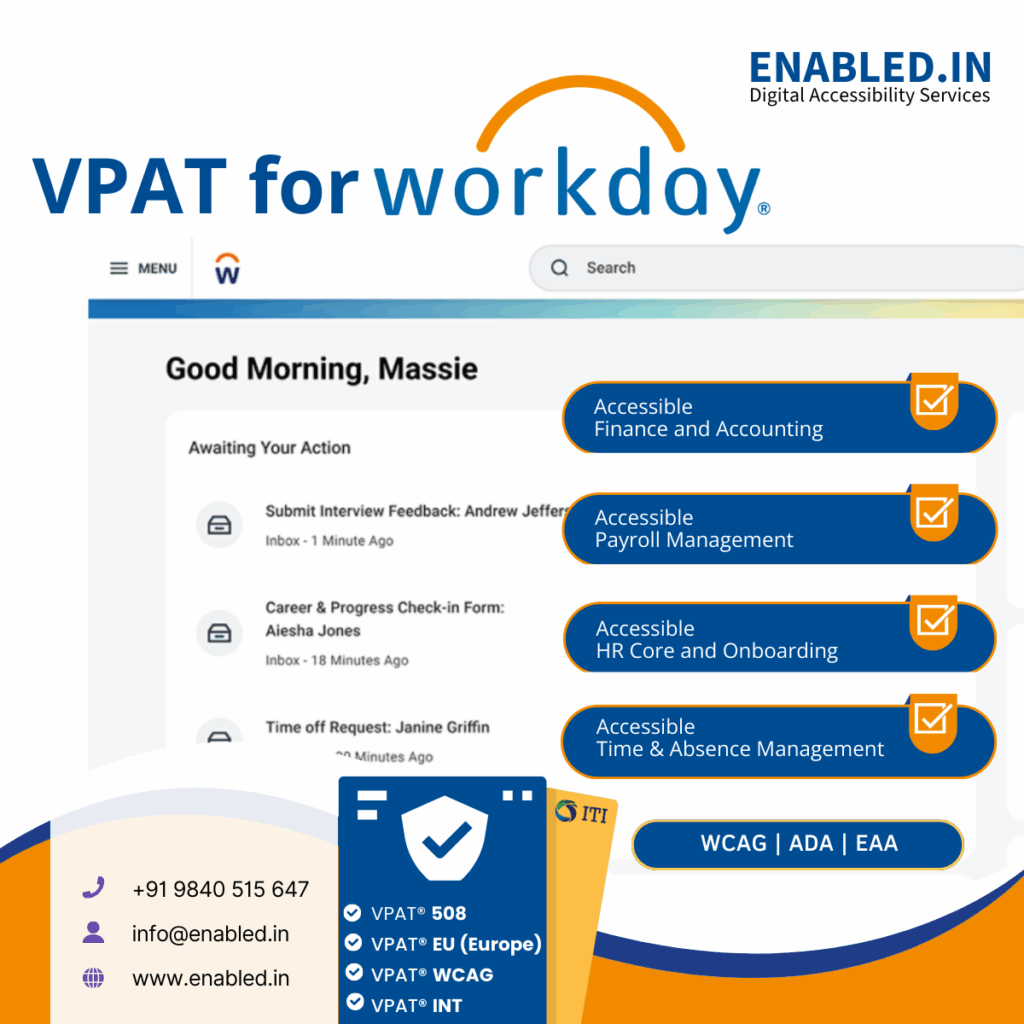
What a VPAT Means for Workday ERP
A VPAT isn’t a marketing statement or a checklist, it’s a transparent accessibility conformance report that outlines:
- Which accessibility standards Workday has been evaluated against
- How effectively users with disabilities can complete real-world tasks
- Where accessibility gaps or limitations exist
- What workarounds or improvements are in place
Once completed, the VPAT becomes an Accessibility Conformance Report (ACR) that helps procurement teams, compliance officers, and auditors assess accessibility with confidence.
Why Organizations Request a Workday VPAT
1. Accessibility as a Procurement Requirement
Many public-sector agencies and large enterprises require a valid VPAT before purchasing or renewing ERP software, especially under Section 508 (U.S.) and EN 301 549 (EU). A VPAT helps procurement teams verify that Workday meets their accessibility and compliance requirements.
2. Compliance and Risk Management
A VPAT shows that accessibility has been formally tested and documented. This helps organizations comply with laws such as the ADA (Americans with Disabilities Act) and global digital accessibility standards, reducing legal and reputational risks.
3. Support for Real Users
Workday is used by employees with permanent, temporary, or situational disabilities. Accessibility ensures that every employee can work independently, productively, and inclusively, a critical part of workplace equity and culture.
How Workday Is Used – and Why Accessibility Matters
HR Core and Onboarding
HR teams use Workday for recruiting, onboarding, and managing employee records. Accessible forms, properly labeled fields, and screen reader compatibility allow new hires and HR professionals to complete essential tasks independently.
Finance and Accounting
Finance teams depend on Workday to manage budgeting, expense reports, and financial close processes. Accessible tables, filters, and reports reduce the risk of errors and make financial data usable for all team members, regardless of ability.
Payroll Management
Payroll modules handle sensitive and time-critical data. Accessibility ensures that all employees can review pay statements, update tax information, and manage deductions securely without barriers.
Time Tracking and Absence Management
Managers and employees track hours, request leave, and approve absences within Workday. Keyboard-accessible navigation and intuitive controls make these workflows seamless for users with mobility or vision challenges.
Performance and Talent Management
Performance reviews, goal tracking, and development plans are key for growth. Accessible forms and dashboards help ensure fair evaluation processes for all employees, supporting inclusion in talent decisions.
Procurement and Supplier Management
Organizations use Workday Procurement to manage suppliers, purchase orders, and vendor data. Accessibility ensures procurement staff can navigate complex data screens efficiently and comply with public-sector accessibility requirements.
Learning and Development
Workday Learning delivers training content to employees. Accessibility in video players, transcripts, and course navigation ensures that learning materials are inclusive and meet WCAG 2.2 standards for multimedia content.
Analytics and Reporting (Workday Prism & Adaptive Planning)
Accessible dashboards and reports allow all stakeholders to analyze key business data, make decisions, and generate insights. Screen reader support and proper color contrast are essential for users interpreting visual data.
Workday Mobile and Cloud Access
Employees often use Workday through mobile apps or web browsers. A VPAT ensures accessibility across devices, enabling consistent and inclusive experiences for all users, anywhere.
Accessibility Standards Covered in a Workday VPAT
A complete VPAT for Workday ERP typically evaluates compliance with:
- WCAG 2.2 (Level A & AA) – Global web accessibility guidelines
- Section 508 (U.S.) – Federal ICT accessibility standards
- EN 301 549 (EU) – European public-sector accessibility requirements
Many organizations choose the VPAT International (INT) edition, which consolidates all three standards into a single report for global use.
What Is Tested in Workday ERP
Accessibility testing commonly includes:
- Employee and manager self-service workflows
- HR, payroll, and benefits modules
- Financial and procurement management dashboards
- Performance, time tracking, and learning modules
- Forms, validation messages, and error handling
- Keyboard navigation and focus order
- Screen reader compatibility (NVDA, JAWS, VoiceOver)
- Color contrast, alternative text, and visual indicators
The testing scope is clearly defined so stakeholders understand exactly what has been evaluated and reported.
VPAT Is an Ongoing Commitment
Workday ERP evolves with every update and configuration change. Accessibility conformance can shift as new features roll out. To stay compliant, VPATs should be:
- Reviewed on a regular schedule
- Updated after major releases or customizations
- Supported by continuous accessibility testing and remediation
Accessibility is not a one-time project, it’s a long-term commitment to inclusive digital transformation.
Ready to Prepare a VPAT for WorkDay ERP?
Accessibility compliance doesn’t have to be complex or unclear.
Our team specializes in ERP accessibility audit, testing, and VPAT (ACR) preparation aligned with WCAG 2.2, Section 508, and EN 301 549. We help organizations assess real user workflows. We identify accessibility gaps. We deliver clear, defensible VPAT reports for procurement and compliance needs.
Our WorkDay Accessibility Services Include
- WorkDay accessibility audit & testing
- WCAG 2.2 A & AA compliance assessment
- Section 508 & EN 301 549 mapping
- VPAT / Accessibility Conformance Report (ACR) preparation
- Assistive technology testing (screen readers, keyboard navigation)
- Remediation guidance and ongoing accessibility support
Explore Our ERP Accessibility Audit & VPAT Services
Talk to Our Accessibility Experts
Whether you’re responding to an RFP, preparing for procurement, or improving inclusion across your ERP platform, we’re here to help.
Contact us today to discuss your WorkDay ERP accessibility audit and VPAT requirements and take the next step toward inclusive, compliant ERP systems.
Sathasivam Kannupayan
sathasivam@enabled.in
www.enabled.in
+91 98405 15647