1. Introduction – Why WCAG 3.0 Exists
The internet is used by billions of people, but not everyone experiences it the same way.
People may have disabilities such as:
- Vision problems
- Hearing loss
- Difficulty using a mouse
- Learning or memory challenges
WCAG 3.0 provides guidelines to ensure everyone can access digital content without barriers.
For example:
- A blind person may use a screen reader
- A deaf person may rely on captions
- Someone with motor disabilities may use keyboard navigation
WCAG 3.0 helps developers design systems that support these needs.
2. Status of the Document
WCAG 3.0 is still being developed.
This means:
- It is not finalized yet
- Some parts may change
- Feedback from developers and accessibility experts is still being collected
The current version is called a Working Draft.
3. Scope -What WCAG 3.0 Covers
Earlier accessibility guidelines mainly focused on websites.
WCAG 3.0 expands the scope to include many technologies.
Examples include:
- Web applications
- Mobile applications
- Desktop software
- Smart devices
- Virtual reality environments
- Internet of Things (IoT) devices
The goal is to make accessibility rules that work across all digital technology.
4. Design Goals of WCAG 3.0
WCAG 3.0 was created to improve limitations found in older guidelines.
The designers focused on several goals.
- Make accessibility easier to understand – Older accessibility rules were often complex and difficult to interpret.
- Support more disabilities – WCAG 3 adds stronger support for cognitive disabilities.
- Work with modern technologies – Digital technology evolves quickly. WCAG 3 is designed to stay relevant.
- Encourage continuous improvement – Instead of just passing or failing accessibility checks, organizations should keep improving.
5. Relationship with WCAG 2.x
Before WCAG 3, there were earlier versions like:
- WCAG 2.0
- WCAG 2.1
- WCAG 2.2
Many laws around the world still require WCAG 2 compliance.
WCAG 3 will not immediately replace WCAG 2.
Instead, it builds on it and introduces improvements.
Key differences
| WCAG 2 | WCAG 3 |
|---|---|
| Pass or fail rules | Scoring system |
| Focused on web pages | Covers entire products |
| Success criteria | Outcomes |
6. Core Accessibility Principles
WCAG is built on four important principles.
These principles describe what accessible content should achieve.
Perceivable
Information must be presented in ways that users can perceive.
Examples include:
- Alternative text for images
- Captions for videos
- High color contrast
This helps users who have vision or hearing disabilities.
Operable
Users must be able to interact with the interface.
Examples include:
- Navigating using a keyboard
- Buttons that are easy to click
- Enough time to complete tasks
This helps users with motor disabilities.
Understandable
The interface should be easy to understand.
Examples include:
- Clear instructions
- Simple language
- Predictable navigation
This is especially important for people with cognitive disabilities.
Robust
Content must work with many different devices and assistive technologies.
Examples include:
- Screen readers
- Voice control software
- Future technologies
This ensures accessibility remains stable over time.
7. New Structure of WCAG 3
WCAG 3 introduces a new framework.
Instead of just guidelines and success criteria, the structure includes several layers.
The major parts are:
- Guidelines
- Outcomes
- Requirements
- Methods
- Assertions
Each part helps explain accessibility from high-level goals down to practical implementation.
8. Guidelines – The Big Accessibility Goals
Guidelines describe the overall goal developers should aim for.
For example:
- Provide clear content
- Ensure keyboard accessibility
- Support assistive technologies
Guidelines do not contain detailed instructions.
They simply define what should be achieved.
9. Outcomes – The Expected User Experience
Outcomes describe what users should actually experience.
For example:
A user who cannot see an image should still understand its meaning through alternative text.
Outcomes replace the success criteria used in WCAG 2.
They focus more on real user experience rather than technical rules.
10. Requirements – What Must Be Implemented
Requirements provide detailed conditions that must be met.
For example:
If an image is important for understanding content, it must have a meaningful description.
Requirements help developers understand exactly what is expected for accessibility compliance.
11. Methods – Practical Implementation
Methods explain how developers can satisfy requirements.
These methods include:
- HTML techniques
- ARIA attributes
- Design patterns
- Coding practices
For example:
Adding alt text to images.
Example:
<img src="dog.jpg" alt="Brown dog running in a park">
Methods act as practical guidance for developers.
12. Assertions – Organizational Accessibility Practices
Some accessibility practices cannot be automatically tested.
WCAG 3 introduces assertions to handle this.
Assertions are claims organizations make about their accessibility efforts.
Examples include:
- Accessibility training for staff
- Testing products with disabled users
- Following inclusive design processes
These practices strengthen accessibility but require documentation.
13. Conformance Model – A New Scoring System
WCAG 2 used a strict pass or fail model.
WCAG 3 introduces a graded scoring system.
Accessibility is measured on a scale.
Example scoring:
| Score | Meaning |
|---|---|
| 0 | Not accessible |
| 1 | Poor accessibility |
| 2 | Moderate accessibility |
| 3 | Good accessibility |
| 4 | Excellent accessibility |
This encourages organizations to continuously improve accessibility instead of just meeting minimum rules.
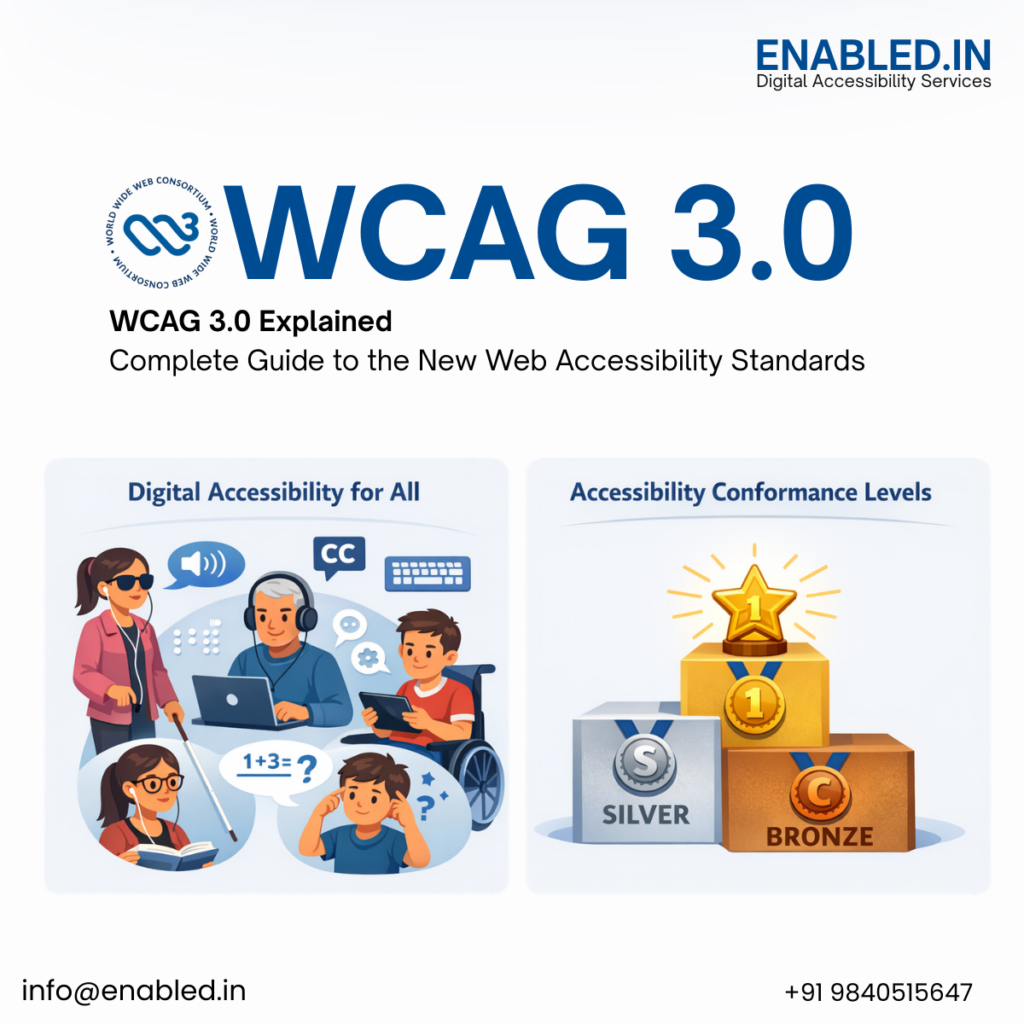
14. Conformance Levels
WCAG 3 introduces new accessibility levels.
Bronze
Basic accessibility requirements.
Silver
Higher accessibility with broader testing.
Gold
The highest accessibility level, including user testing and inclusive design.
15. Accessibility Testing
Accessibility should be tested in multiple ways.
Automated testing
Tools can detect many accessibility problems.
Examples:
- Missing alt text
- Color contrast issues
Manual testing
Human testers review usability.
Examples:
- Keyboard navigation
- Screen reader compatibility
User testing
People with disabilities test the product.
This provides the most accurate feedback.
16. Disability Coverage
WCAG 3 covers many types of disabilities.
Vision disabilities
Examples:
- Blindness
- Low vision
- Color blindness
Hearing disabilities
Examples:
- Deafness
- Hard of hearing
Motor disabilities
Examples:
- Limited hand movement
- Paralysis
- Tremors
Cognitive disabilities
Examples:
- Dyslexia
- ADHD
- Autism
- Memory problems
WCAG 3 improves support for these areas significantly.
17. Support for Emerging Technologies
Digital technology is constantly evolving.
WCAG 3 prepares for future systems such as:
- Virtual reality
- Augmented reality
- AI interfaces
- Voice assistants
- Wearable devices
Accessibility must adapt to these new experiences.
18. Technology Independence
WCAG 3 does not depend on a single programming language.
It can apply to:
- Web technologies
- Mobile platforms
- Desktop software
- Interactive environments
This ensures the guidelines remain useful even as technology changes.
19. Continuous Updates
Unlike earlier versions, WCAG 3 allows parts of the standard to be updated separately.
This means:
- New accessibility methods can be added quickly
- Technology updates can be addressed faster
- The guidelines remain current
Final Summary
WCAG 3.0 represents a major step forward in accessibility.
It introduces:
- A more flexible guideline structure
- A scoring-based accessibility model
- Broader disability support
- Compatibility with emerging technologies
The ultimate aim is simple:
Make the digital world accessible to everyone, regardless of ability.
Contact Enabled.in
Website: https://enabled.in
Email: sathasivam@enabled.in
Phone: +91-9840515647
If your organization is preparing for WCAG 3.0 or strengthening WCAG 2.2 compliance, our accessibility specialists are ready to support your journey.
Discover more from Enabled.in
Subscribe to get the latest posts sent to your email.