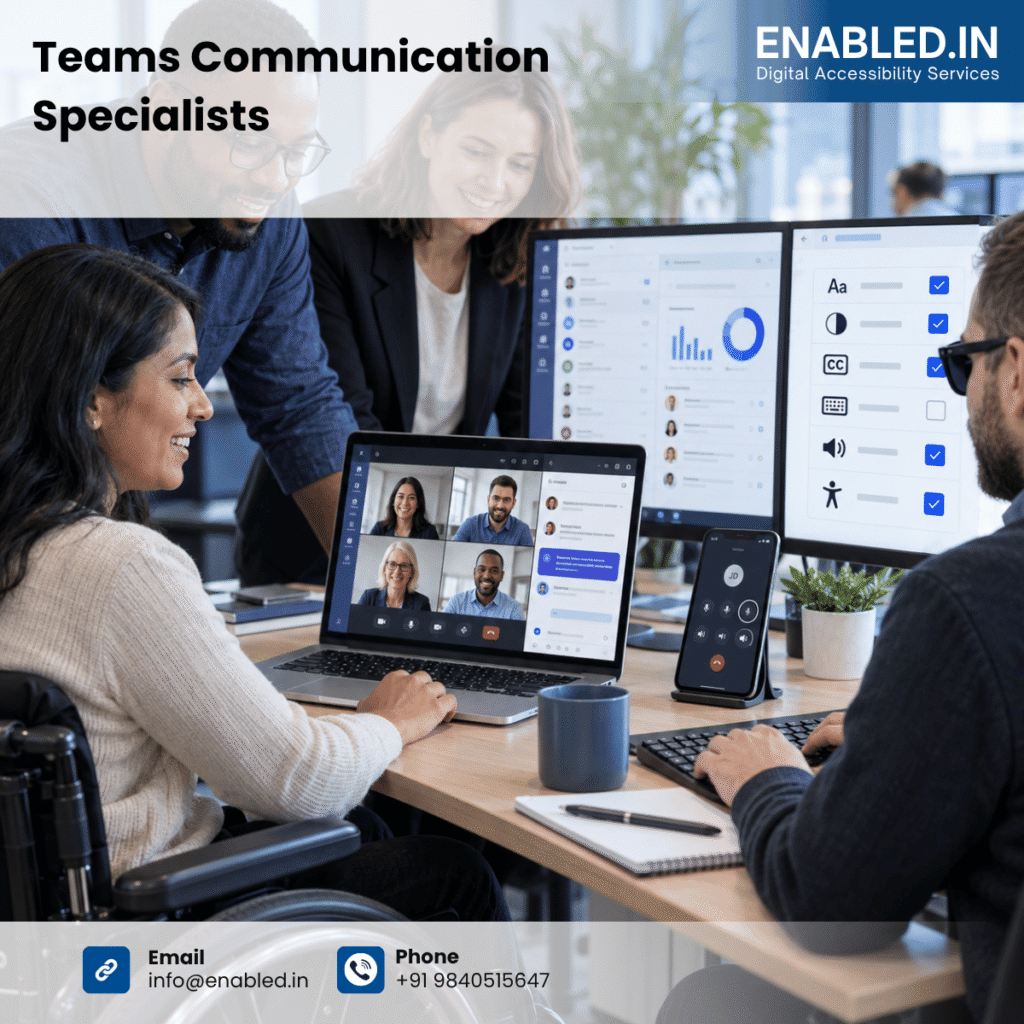
This case study explains how Enabled.in can help SCB Global improve accessibility across The Teams communication solutions. It covers voice, contact center, attendant console, analytics, administration and Microsoft Teams integrations. Project-specific findings and outcomes must be added only after formal testing evidence is available.
About The Teams and OPTO Solutions
| Solution area | Representative scope |
| OPTO T Teams Voice | Calling, routing, transfer, voicemail and call controls. |
| OPTO C Teams Contact Center | Agent, supervisor, queue and customer-service workflows. |
| OPTO A Attendant Console | Receptionist and operator call handling and directory search. |
| OPTO I Insights and Analytics | Dashboards, charts, filters, tables and exports. |
| OPTO X CPaaS | Communication APIs, notifications and integrations. |
| Administration portals | Users, roles, configuration, security and reporting. |
| Teams and Azure integration | Navigation, focus, alerts and embedded experiences. |
Users and Accessibility Needs
| User group | Important needs |
| Agents | Accessible call controls, caller information, queue status, notes and wrap-up forms. |
| Supervisors | Readable dashboards, charts, queue monitoring, filters and reports. |
| Attendants | Directory search, call transfer, multiple-call management and clear status. |
| Administrators | Keyboard-operable forms, roles, permissions, configuration and error recovery. |
| Customers | Accessible contact paths, understandable messages and communication alternatives. |
| People with disabilities | Clear names, roles, states, focus, contrast, text alternatives and simple interaction. |
Accessibility Challenges
- Call controls may not expose a clear accessible name, role or state.
- Incoming calls, hold, transfer, recording and disconnection states may not be announced.
- Focus may be lost after a call dialog, customer panel or transfer window opens.
- Queue and agent status may be communicated by colour alone.
- Contact-center screens may contain complex tables, tabs, panels and customer records.
- Charts and analytics may not provide equivalent data tables or summaries.
- Drag-and-drop, hover, swipe or timed actions may not have accessible alternatives.
- Forms may have unclear labels, missing required status or weak error recovery.
- Teams, Azure, web views and third-party components may behave differently across environments.
Engagement Objectives
- Assess SCB Global communication interfaces and workflows.
- Test Teams Voice, Contact Center, Attendant Console and Analytics functions.
- Review Teams-native, browser-based and Azure-hosted experiences.
- Identify barriers affecting agents, supervisors, attendants, administrators and customers.
- Test keyboard and alternative-input access.
- Test NVDA, JAWS, Narrator, VoiceOver and TalkBack where applicable.
- Review charts, tables, notifications, forms, dialogs and dynamic call states.
- Provide developer-ready remediation guidance.
- Retest corrections and support VPAT 2.5 and ACR evidence.
Assessment Scope and User Journeys
| Journey | Representative tasks |
| Sign in | SSO, authentication, password recovery, timeout and sign-out. |
| Calling | Make, receive, hold, mute, resume, transfer, record and end calls. |
| Contact center | Agent status, queues, customer records, notes, disposition and wrap-up. |
| Attendant console | Directory search, caller identification, routing and multiple calls. |
| Analytics | Dashboards, charts, filters, date ranges, tables and exports. |
| Administration | Users, roles, phone numbers, routing, integrations and audit logs. |
| Notifications | Loading, success, error, network, queue and recording messages. |
Standards and Conformance Basis
WCAG 2.2 Level AA should be the primary baseline. Results can be mapped to EN 301 549, Revised Section 508, ADA-related requirements, the European Accessibility Act, UK requirements and BIS IS 17802 where applicable. WAI-ARIA 1.2 is relevant to web components. Native controls should expose correct properties through Android, iOS, Windows and macOS accessibility APIs.
Want to know how we addressed these barriers?
Get the full case study to explore Enabled.in's approach and the work behind the improvements.
Get the full case study