Digital accessibility services / SaaS platforms
Appointment Scheduling SaaS Accessibility Audit
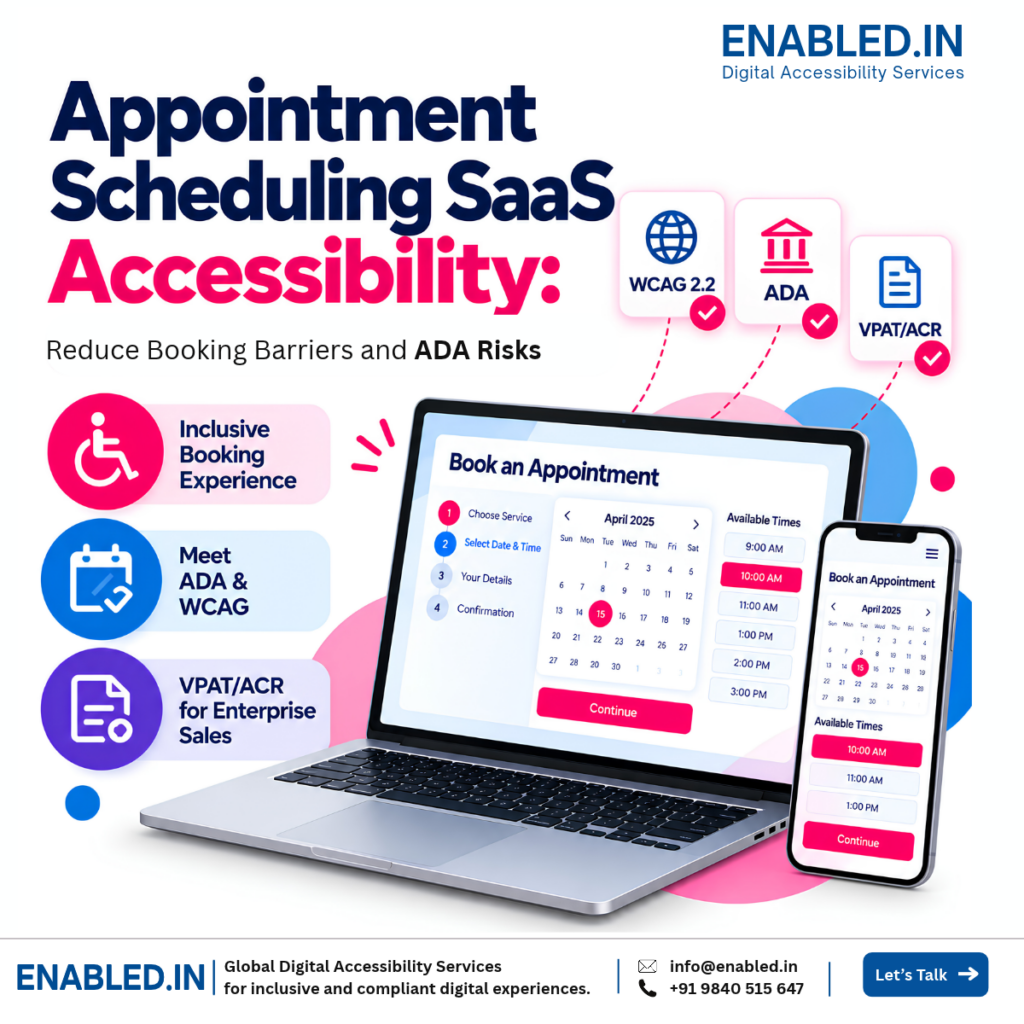
A scheduling SaaS accessibility audit helps find barriers in booking websites, apps, and calendars. Fix key issues, reduce lost bookings, and help buyers review your product.
Can customers book a time without a mouse? Can a screen reader announce each time slot? If not, some people may leave before they book.
Why it matters
A broken booking journey is a business problem
Booking barriers can hurt your customers and your business. Here is what may happen.
Lost bookings
Customers may abandon appointments when calendars, forms, or payments are difficult to operate.
Higher service costs
People may need phone or email assistance to book, cancel, or reschedule appointments.
Procurement delays
Enterprise buyers may request WCAG testing evidence and an Accessibility Conformance Report.
Legal and contractual concerns
Accessibility obligations depend on the customer, industry, law, and contractual commitments.
Customer dissatisfaction
Repeated booking failures can reduce trust in the software and affect renewals.
Shared component impact
One inaccessible embedded widget can affect multiple client websites and booking experiences.
Who this is for
Scheduling software across industries
Many teams use the same booking tools. People need to book without help.
Healthcare & telehealth
Patient appointments, consultations, and follow-up scheduling.
Education & government
Student advising, public services, and citizen appointment portals.
Professional services
Legal consultations, financial advice, and client meetings.
Retail & personal services
Salons, fitness sessions, and customer service reservations.
User journey
Test the complete booking experience
Test a full booking from start to finish. A scan of one page is not enough.
- Choose a service
- Select a date
- Pick a time slot
- Enter details
- Confirm booking
What can go wrong?
A calendar may not respond to keyboard commands. Available time slots may lack clear screen reader labels. Errors may not be announced, or focus may move unpredictably after confirmation.
Common issues
Accessibility barriers that affect bookings
| Feature | Example barrier | Potential impact |
|---|---|---|
| Booking calendar | Dates cannot be selected by keyboard | Incomplete appointments |
| Time slots | Availability not announced by screen readers | Unable to choose a slot |
| Registration | Missing labels or unclear validation errors | Failed account creation |
| Payment | Inaccessible controls or error messages | Abandoned transactions |
| Rescheduling | Buttons and dialogs are difficult to operate | More support requests |
| Mobile apps | Controls do not work well with VoiceOver or TalkBack | Reduced mobile access |
| Embedded widgets | Shared component accessibility defects | Issues across customer websites |
Audit scope
What should be tested first?
Start with your highest-value workflows. Expand the scope as the product and customer requirements grow.
- Appointment calendar and booking widget
- Available dates and time slots
- Service and staff selection
- Registration and login
- Booking confirmation and notifications
- Rescheduling and cancellation
- Payment and checkout
- iOS and Android booking journeys
- Appointment history and accounts
- Administrative scheduling workflows
Beyond automated scanning
We use scans, keyboard checks, screen readers, and real booking tasks. A scan alone cannot show that the full booking flow works.
U.S. market context
ADA, WCAG, and VPAT/ACR readiness
ADA considerations
Accessibility requirements vary by business type, covered services, and the applicable legal context. SaaS providers should assess their customers’ needs and contractual commitments.
WCAG testing
WCAG 2.2 AA is a useful test goal. Laws and buyer rules may ask for a different version. See the W3C WCAG 2.2 standard.
Public-sector buyers
The U.S. ADA Title II web rule sets WCAG 2.1 AA as the standard for covered state and local government web and mobile services. Read the DOJ guidance.
VPAT / ACR
An Accessibility Conformance Report (ACR) shows what was tested and what still needs work. It is not a certificate of legal compliance.
Rules vary by buyer and use case. Check the law and contract before making a compliance claim.
Our approach
How Enabled.in supports scheduling SaaS teams
Scope the product
Identify booking journeys, user roles, widgets, websites, and mobile apps.
Audit accessibility
Evaluate agreed features using automated checks, manual testing, and assistive technologies.
Test real journeys
Verify booking, payment, cancellation, and rescheduling tasks.
Guide remediation
Provide clear findings, affected components, and developer-oriented recommendations.
Re-test fixes
Verify agreed corrections and update issue status after implementation.
Prepare VPAT / ACR
Document accessibility conformance using tested evidence when included in the project scope.
Frequently asked questions
Questions from SaaS product teams
Does every scheduling SaaS company need WCAG 2.2 AA?
No. There is no single U.S. rule requiring every private scheduling SaaS vendor to meet WCAG 2.2 AA. Customers may still require specific accessibility standards through contracts or procurement.
Can an inaccessible booking calendar create ADA concerns?
Yes. Barriers that prevent people with disabilities from accessing covered services may raise accessibility concerns. Responsibility depends on the circumstances.
Should embedded booking widgets be tested?
Yes. The same widget can appear on many client websites, so a shared accessibility issue can have a broad impact.
Is automated scanning enough?
No. Keyboard operation, screen reader announcements, calendar interactions, and complete booking journeys also require manual testing.
Does every vendor need a VPAT/ACR?
No. Some enterprise and public-sector buyers request an Accessibility Conformance Report during procurement, but it is not universally required.
Can Enabled.in audit only the booking journey?
Yes. We can begin with agreed core booking features and expand the assessment later.
Trusted references
Standards and guidance
Review the WCAG 2.2 standard, the U.S. DOJ Title II web rule, and VPAT information from ITI. These sources explain the rules and report format. Your legal duties depend on the service and buyer.
Discover more from Enabled.in
Subscribe to get the latest posts sent to your email.