Enabled.in | SaaS Accessibility Series 03
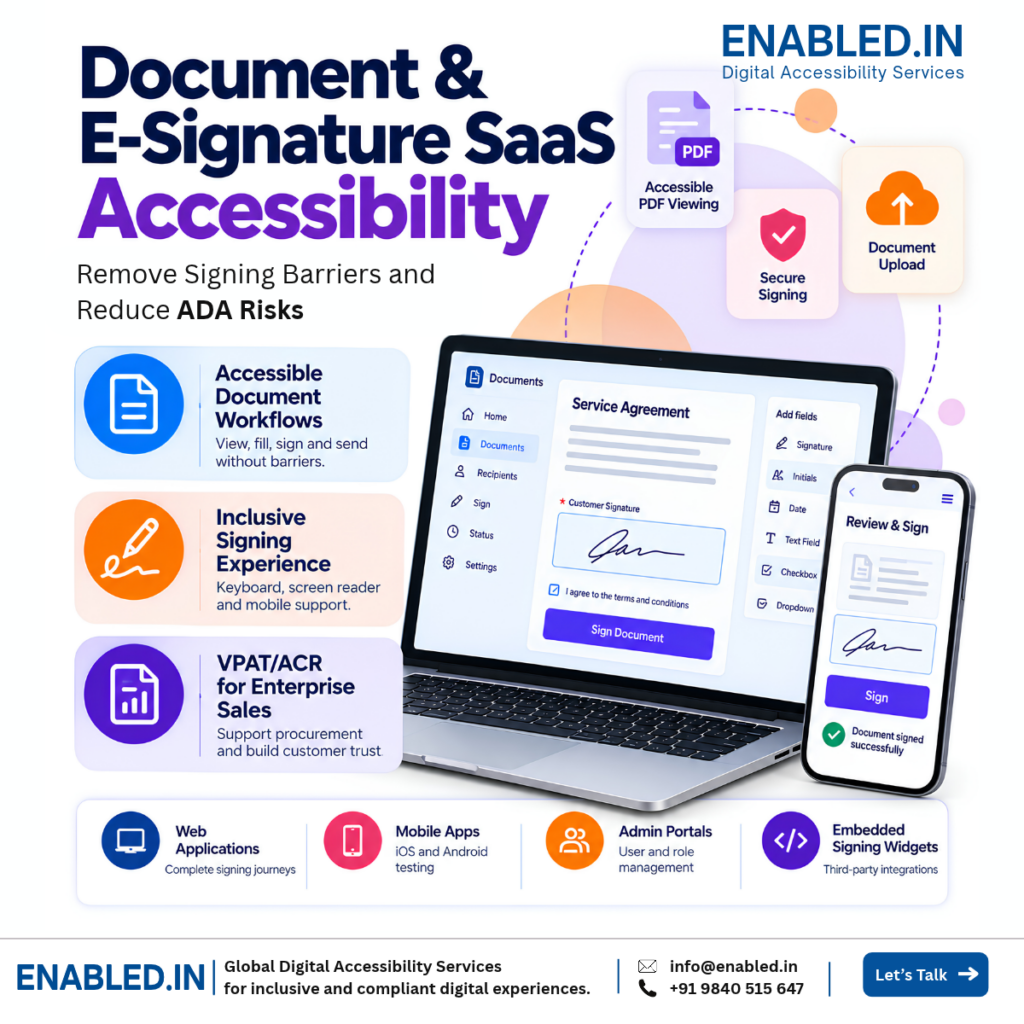
Document & E-Signature SaaS Accessibility: Make Every Signature Possible
A user opens a contract but cannot find the signature field. Another person cannot read the PDF. A third cannot finish an identity check. Each blocked step can delay a deal.
Accessible signing is about the full journey, from document invite to signed copy. Enabled.in helps SaaS teams find barriers and improve the experience.
The business case
When signing fails, business slows down
E-signature tools help teams close sales, hire staff, approve forms, and serve customers. If a person cannot finish a task, the result may be a delayed contract or extra support work.
A signer may stop when a field, button, or document cannot be used.
Staff may need to guide users through steps that should work on their own.
Buyers may ask for test results and clear product accessibility information.
One shared signing component may affect many clients and their users.
Product experience
Test the complete signing journey
Checking a login page is not enough. A signer must be able to finish the task, even when using a keyboard, screen reader, zoom, or mobile assistive technology.
- Step 1Receive
Open an invite or shared link.
- Step 2Review
Read the file and find each field.
- Step 3Sign
Enter details, agree, and sign.
- Step 4Finish
Confirm and get the final copy.
We also review errors, expired links, canceled tasks, and the steps users take when something goes wrong.
What we test
Document and e-signature accessibility test scope
These are common areas to include in a project. The final scope depends on your product, user roles, platforms, and integrations.
Document upload and access
Upload files, open shared links, review permissions and recover from errors.
PDF and document viewer
Read order, headings, text selection, zoom, page controls and tagged document access.
Fields and data entry
Names, dates, checkboxes, required fields, labels, errors and clear instructions.
Signature placement
Find signature fields, choose a signing method and complete the task without a mouse.
Identity and consent
OTP, verification, consent checkboxes, time limits and accessible alternatives.
Review and submit
Review changes, confirm intent, submit and receive clear success or error messages.
Downloads and notifications
Access completed files, email alerts, status messages and audit history.
Mobile signing
iOS VoiceOver, Android TalkBack, touch targets, orientation and screen zoom.
Team and admin tools
Templates, role access, approval routes, bulk actions, settings and dashboards.
Integrations and embedded flows
Signing widgets, third-party identity checks, API-driven screens and embedded forms.
Who benefits
Support every person who needs to sign
Individual signers
Customers, patients, employees, students, and partners need to read and sign without help.
Business teams
Sales, HR, legal, finance, and support teams need clear, reliable signing workflows.
Product and QA teams
Teams need clear findings, steps to reproduce issues, and a way to check fixes.
Enterprise buyers
Buyers may need accessibility evidence to review a product before they purchase it.
How Enabled.in helps
From audit to verified improvements
We combine automated checks with manual review and real task testing. A defined scope helps us test what matters most.
- Scope: Agree on roles, screens, documents, and signing tasks.
- Audit: Test web, mobile, PDF, keyboard, and assistive technology access as agreed.
- Report: Share issues, evidence, and developer-ready guidance.
- Fix support: Help teams understand expected behavior.
- Re-test: Check agreed fixes after updates.
- VPAT/ACR: Prepare conformance reporting when part of the engagement.
Our reports reflect the tested version and agreed scope. A VPAT/ACR is not a certification.
Common questions
Document & E-Signature SaaS Accessibility FAQs
What is an e-signature accessibility audit?
It is a review of how people use a digital signing product. We test key tasks such as opening a document, filling fields, signing, and getting a copy.
Can a person sign a document using only a keyboard?
They should be able to complete the signing journey without a mouse. We test each step and report where keyboard access fails.
Do you test screen readers?
Yes. We test agreed tasks with assistive technology such as NVDA, JAWS, VoiceOver, and TalkBack, based on the project scope.
Do you test uploaded PDF files?
Yes, when included in scope. We check sample PDFs for reading order, structure, form fields, and use with assistive technology.
Does a drawn signature need an alternative?
A drawing-only method can block some users. We review available signing methods and whether users can complete the same task in another accessible way.
Can you test OTP and identity checks?
Yes. We review code entry, time limits, error messages, instructions, and any third-party checks that are part of the agreed journey.
Do you test mobile apps as well as websites?
Yes. Web, iOS, and Android can be included. Each platform needs its own test scope and device coverage.
What about embedded signing widgets?
We can test embedded flows in the host page. The scope should include the widget, its states, and any hand-off to another service.
Will an automated scan find every problem?
No. A scan finds some issues. Real signing tasks also need manual keyboard, screen reader, zoom, and interaction checks.
Can you test only our core signing journey?
Yes. We can start with a defined path, from invitation to completed document, and add other roles and features later.
What will our developers receive?
The agreed report can include issue details, affected screens, steps to reproduce, impact, and practical fix guidance.
Can Enabled.in re-test fixes and prepare a VPAT/ACR?
Yes, if included in scope. We can verify agreed fixes and prepare a conformance report based on the tested product and evidence.
Start with your key workflow
Can every user complete a signature?
Share your product URL, signing flow, platforms, and any buyer requests. We can help define an audit scope for your document and e-signature SaaS.
Request an accessibility audit Explore Enabled.in
Email: info@enabled.in | Phone: +91 98405 15647
Discover more from Enabled.in
Subscribe to get the latest posts sent to your email.