eCommerce accessibility
eCommerce accessibility is no longer optional – it’s a legal requirement (ADA, WCAG) and a business imperative. With 15% of the global population living with disabilities, inaccessible websites exclude potential customers and open businesses to legal risks. This guide details how to implement accessibility at each stage of the e-commerce journey.
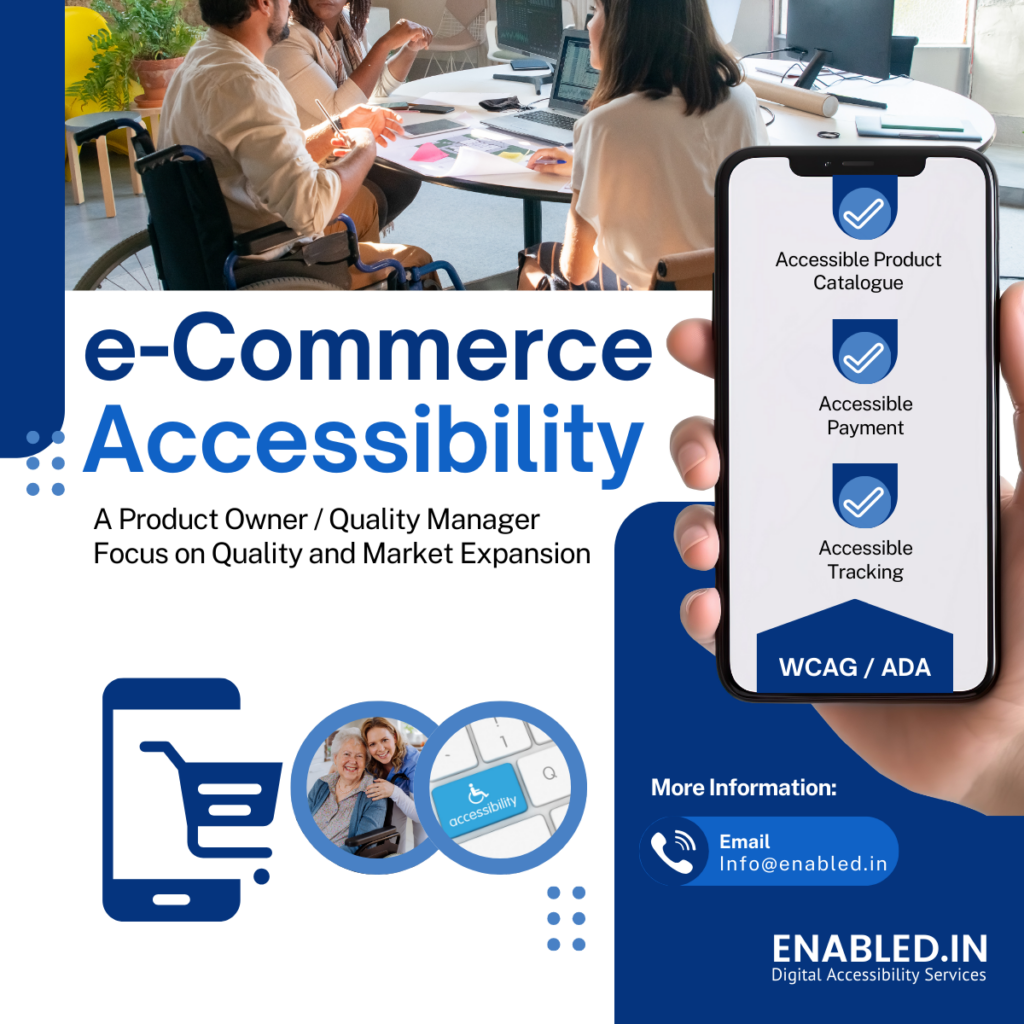
1. Core UX Accessibility Implementation
A. Mobile & Responsive Design Accessibility
- Touch Target Size: Ensure buttons are at least 48x48px for motor-impaired users
- Zoom Compatibility: Allow text scaling up to 200% without breaking layout
- Orientation Flexibility: Support both portrait and landscape modes
Why Important:
- Helps users with tremors, arthritis, or temporary mobility issues
- Benefits older adults with reduced dexterity
- Essential for situational limitations (using phone with one hand)
- 75% of disabled users access sites via mobile
- Fails WCAG 2.1 Success Criterion 1.4.10 if not implemented
B. Navigation & Search Accessibility
- Keyboard Navigation: Full operability via Tab/Arrow keys (WCAG 2.1.1)
- Skip Links: Allow bypassing repetitive navigation
- ARIA Landmarks: Properly label header, main, footer sections
- Search Suggestions: Accessible autocomplete with screen reader support
Why Important:
- Critical for motor-impaired users
- Helps those with cognitive disabilities (ADHD, dementia)
- Benefits distracted shoppers in noisy environments
- Keyboard-only users (e.g., motor disabilities) can navigate
- Screen reader users can understand page structure
2. Product Discovery & Selection Accessibility
A. Accessible Product Listings
- Alt Text for Images: Concise, descriptive text for all product images
- Color Contrast: Minimum 4.5:1 for text (WCAG AA)
- Expandable Product Descriptions: Keyboard-operable “Read More” buttons
- Video Accessibility: Captions, transcripts, and audio descriptions
Why Important:
- Essential for low vision and colorblind users
- Helps in bright sunlight or low-light conditions
- Benefits aging eyes with reduced contrast sensitivity
- Blind users can understand visual content
- Color-blind users can distinguish elements
B. Filtering & Sorting
- Accessible Dropdowns: ARIA-expanded states for filters
- Screen Reader Announcements: Dynamic updates when filters apply
- Visual Focus Indicators: Clear outlines for keyboard users
Why Important:
- Cognitive disabilities benefit from clear filtering
- Motor-impaired users can navigate complex controls
3. Checkout Process Accessibility
A. Accessible Forms
- Proper Labeling: Explicit
<label>associations for all fields - Error Identification: Text descriptions beyond color coding
- Payment Security: Accessible PCI compliance indicators
Why Important:
- Critical for motor-impaired users
- Helps those with cognitive fatigue (chemo brain, sleep deprivation)
- Benefits distracted shoppers (parents with crying children)
- Form errors cause 80% of checkout abandonments
- Screen reader users need clear error messages
B. Payment Options
- Accessible Payment Buttons: ARIA labels for “Pay with PayPal” etc.
- Keyboard-Friendly Modals: Payment windows must be keyboard-trappable
- Alternative Payment Methods: Options for users who can’t use visual CAPTCHAs
Why Important:
- Essential for memory-impaired users
- Helps those with temporary injuries (concussion recovery)
- Benefits non-native language speakers
- Legal requirement under ADA / EU
- Financial inclusion for disabled users
4. Post-Purchase Accessibility
A. Order Confirmation
- Multiple Confirmation Formats: Email + SMS + accessible PDF
- Downloadable Invoices: Proper heading structure for screen readers
- Accessible Tracking: Text-based status updates
Why Important:
- Cognitive disabilities benefit from redundant confirmations
- Blind users need structured documents
B. Customer Support
- Accessible Live Chat: Keyboard-operable with screen reader support
- Video Support: Sign language interpreter options
- Alternative Contact Methods: Text-based support for non-verbal users
Why Important:
- Equal access to post-purchase assistance
- Avoids discrimination claims
5. Advanced Technical Implementation
A. Backend Requirements
- Semantic HTML: Proper use of
<header>,<nav>,<main>etc. - WAI-ARIA: Dynamic content updates for screen readers
- Reduced Motion Option: Respect OS-level preference settings
6. Advanced Accessibility Features
A. Personalization Controls
- Accessibility preferences panel
- Text size/contrast adjusters
- Link to accessibility statement
- Input customization
- Mouse/touch/switch/voice input options
- Hover vs click preference
- Cognitive aids
- Simplified view option
- Reading assistant toolbar
Why Important:
- Empowers users to customize their experience
- Helps those with temporary limitations (migraine sufferers)
- Benefits neurodiverse shoppers (autism, dyslexia)
B. Progressive Enhancement
- Feature detection
- Graceful degradation for unsupported features
- Alternative interaction paths
- Assistive tech compatibility
- Screen reader testing (NVDA, VoiceOver)
- Switch device testing
- Performance considerations
- Low-bandwidth mode
- Essential content first
Why Important:
- Ensures universal access
- Critical for users with older devices
- Benefits those in areas with poor connectivity
Why Accessibility Matters for e-Commerce accessibility
- Legal Compliance
- ADA /EU lawsuits increased 300% since 2018
- WCAG 2.2 AA is the de facto global standard
- Business Growth
- $490B in disposable income among disabled consumers
- 71% of disabled users abandon inaccessible sites
- Technical Benefits
- Accessible sites have 20% better SEO performance
- Cleaner code improves site speed and maintainability
Unlock the Power of Accessible eCommerce: Start Today!
eCommerce Accessibility – Ready to make your online store accessible to everyone and tap into a wider customer base? Explore our accessibility audit services and take the first step towards a more inclusive and profitable future.
Contact us or email to info@enabled.in
Discover more from Enabled.in
Subscribe to get the latest posts sent to your email.