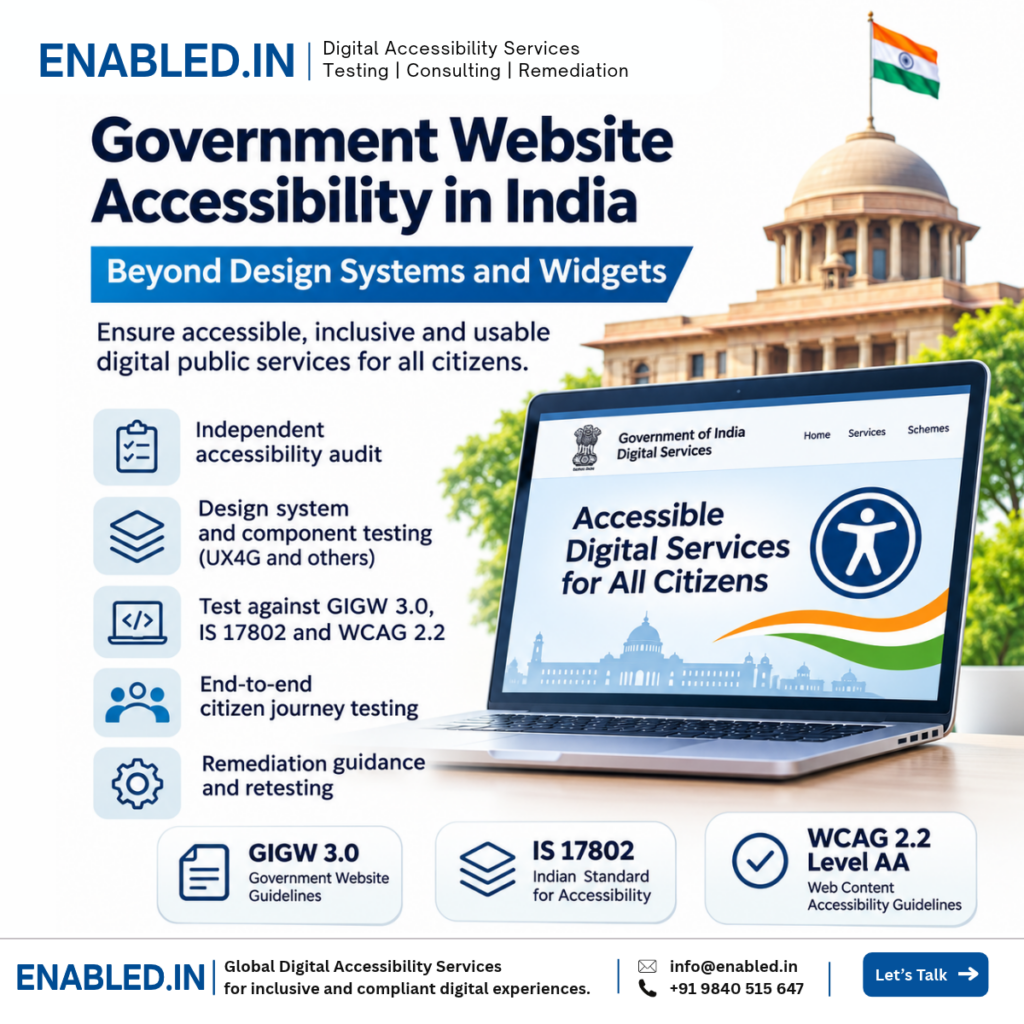
India | Government Digital Accessibility | GIGW 3.0
Government Website Accessibility in India: Beyond Design Systems and Widgets
Government website accessibility is essential for providing equal access to digital public services. Yet adopting a design system or installing an accessibility widget does not automatically make a government website accessible.
India’s UX4G Design System Audit Report provides useful insights into technology adoption across government platforms. Its findings highlight the importance of evaluating complete citizen journeys, reusable components and assistive-technology compatibility rather than relying on technology adoption indicators alone.
What Is a Government Website Accessibility Audit?
A government website accessibility audit evaluates whether citizens with disabilities can access information and complete essential digital tasks. It combines automated checks, manual testing, assistive-technology evaluation and complete workflow testing against applicable standards such as WCAG, GIGW 3.0 and IS 17802.
What Does the UX4G Design System Audit Report Reveal?
The Government of India’s UX4G Design System Audit Report, updated on 30 October 2026, examined technology adoption across 59 government platforms.
Four platforms were identified as adopting the UX4G Design System, while 19 were detected using the accessibility CDN or widget.
The reviewed platforms included DigiLocker, DIKSHA, UMANG, API Setu, myScheme and Skill India Digital Hub.
The report also identifies different CSS frameworks and UI libraries used across government services. This includes Bootstrap, Tailwind CSS, Angular Material and other component systems.
Official source: Government of India UX4G Design System Audit Report .
Why Accessibility Widgets Are Not Enough
Accessibility widgets may provide options such as text resizing, contrast adjustments and other presentation controls.
These features can be useful for some users, but they cannot guarantee accessibility across an entire website or application.
Common Issues That Widgets Cannot Reliably Fix
- Buttons without accessible names.
- Forms that cannot be completed with a keyboard.
- Incorrect focus movement in dialogs.
- Dropdowns with inaccessible keyboard interaction.
- Error messages not announced by screen readers.
- Incorrect heading structure and reading order.
- Inaccessible PDF forms and certificates.
- CAPTCHA without an accessible alternative.
- Dynamic content that is not communicated to users.
Example: Government Application Form
Consider a citizen applying for a government benefit. The portal may offer text enlargement and contrast controls but still prevent keyboard users from selecting a date or submitting the application.
This is a functional accessibility barrier that requires correction in the underlying interface. A presentation widget alone does not resolve it.
Government Digital Accessibility Standards in India
Guidelines for Indian Government Websites and Apps
GIGW 3.0 provides guidance for government websites and applications, including accessibility, usability, security and governance considerations.
Government departments and implementation partners should assess the applicable GIGW requirements throughout design, development and maintenance.
IS 17802
The IS 17802 series addresses accessibility requirements and conformity assessment for information and communication technology.
Assessment teams should establish the relevant part and edition of the standard before evaluating conformance.
Rights of Persons with Disabilities Act, 2016
The RPwD Act and applicable rules form an important part of India’s disability-rights and accessibility framework.
Government organisations should consider the applicable legal obligations when developing, procuring and maintaining digital services.
WCAG 2.2 Level AA
WCAG 2.2 AA provides internationally recognised success criteria for evaluating digital accessibility. It covers areas such as text alternatives, keyboard operation, focus visibility, navigation, forms and compatibility with assistive technologies.
WCAG 2.2 AA can provide a modern technical baseline. The legally applicable requirements must be determined separately for each project.
What Should a Government Accessibility Audit Cover?
Public Websites
Navigation, headings, images, links, search, content structure and responsive layouts.
Registration and Authentication
Login, OTP verification, CAPTCHA alternatives, identity checks and password recovery.
Citizen-Service Workflows
Applications, payments, document uploads, status tracking and acknowledgements.
Reusable UI Components
Menus, dialogs, date pickers, tabs, tables, dropdowns and custom form controls.
Digital Documents
PDF forms, certificates, reports and downloadable public information.
Mobile Applications
Android TalkBack, iOS VoiceOver, touch interaction and mobile accessibility.
Why Design-System Accessibility Testing Matters
Government platforms often use reusable UI components. A single accessibility defect in a shared component can affect many pages and services.
For example, an inaccessible date picker may appear in registration, application, appointment and payment workflows.
Fixing the underlying component can improve accessibility across multiple screens.
Component-Level Testing Should Include
- Correct semantic roles and accessible names.
- Keyboard interaction and focus management.
- Screen reader announcements.
- Component states and error messages.
- Zoom, reflow and responsive behaviour.
- Compatibility with relevant assistive technologies.
Component-level testing must be combined with complete user-journey testing because integration can introduce additional accessibility barriers.
Recommended Government Accessibility Audit Process
- Define scope: Identify websites, applications, documents, user roles and critical workflows.
- Map requirements: Establish applicable WCAG, GIGW and IS 17802 requirements.
- Run automated checks: Identify machine-detectable accessibility issues.
- Conduct manual testing: Evaluate keyboard access, forms, navigation, interaction and contextual requirements.
- Test assistive technologies: Use appropriate screen readers, browsers and operating systems.
- Validate citizen journeys: Test registration, authentication, submission, payment and document access.
- Prepare findings: Record actual behaviour, expected behaviour, evidence and remediation guidance.
- Retest corrections: Verify fixes and document remaining barriers.
What Should an Accessibility Audit Report Include?
A useful government accessibility report should provide more than a list of automated errors.
| Deliverable | Purpose |
|---|---|
| Accessibility findings | Document verified barriers and affected workflows. |
| WCAG mapping | Connect findings to applicable success criteria. |
| Technical evidence | Provide reproducible examples and component locations. |
| Remediation guidance | Explain expected accessible behaviour. |
| Assistive-technology results | Document tested combinations and observed behaviour. |
| Retesting results | Verify corrections and outstanding issues. |
| Conformance documentation | Summarise assessment results where required. |
How Enabled.in Supports Government Accessibility
Enabled.in provides accessibility auditing, testing, consulting and remediation validation services for government websites, public-sector platforms, enterprise applications and digital services.
Government Website Audits
Assess public websites and portals against agreed accessibility standards and requirements.
Design-System Testing
Evaluate reusable UI components and provide implementation guidance for development teams.
Citizen-Journey Testing
Validate registration, applications, authentication, payments and document access.
Assistive-Technology Testing
Evaluate workflows with NVDA, JAWS, VoiceOver, TalkBack and keyboard interaction.
Remediation Guidance
Provide verified findings, technical evidence and actionable developer recommendations.
Retesting and Documentation
Validate implemented fixes and prepare appropriate accessibility assessment reports.
Who Can Benefit From These Services?
- Central and state government departments.
- Public-sector organisations.
- Government technology implementation partners.
- NIC and related digital-service teams.
- System integrators and software vendors.
- Public education and digital learning platforms.
Frequently Asked Questions
Is UX4G adoption enough for accessibility compliance?
No. A design system can provide accessible components and guidance, but complete websites, applications and user journeys still require testing.
Does the UX4G report identify websites that fail WCAG?
No. The referenced report primarily identifies design-system and technology adoption. It does not provide a complete WCAG conformance determination for every platform.
Can an accessibility widget make a government website compliant?
No. Widgets cannot independently resolve all keyboard, semantic, screen reader and workflow accessibility barriers.
Which standards should Indian government websites consider?
Relevant requirements may include GIGW 3.0, IS 17802, the RPwD Act and applicable WCAG criteria. The exact requirements depend on the project and governing obligations.
Should government PDF documents be audited?
Yes, where relevant to the assessment scope. PDF forms, certificates and other documents can create accessibility barriers.
Can Enabled.in test authenticated government portals?
Yes. Authenticated workflows can be assessed using authorised test accounts, suitable environments and representative test data.
Building Accessible Government Digital Services
The UX4G report provides valuable insight into technology adoption across Indian government platforms. However, technology adoption and accessibility conformance are different measures.
Accessible government services require effective design, correct implementation, complete workflow testing and ongoing validation.
By combining component-level testing with real-world citizen journeys and assistive-technology evaluation, government organisations can identify barriers and make informed improvements.
Enabled.in supports this work through independent accessibility audits, remediation guidance, retesting and evidence-based reporting.
References and Further Reading
Discover more from Enabled.in
Subscribe to get the latest posts sent to your email.