United States | Higher Education | ADA Title II
Higher Education Accessibility Audit: ADA Title II, WCAG and VPAT for Universities
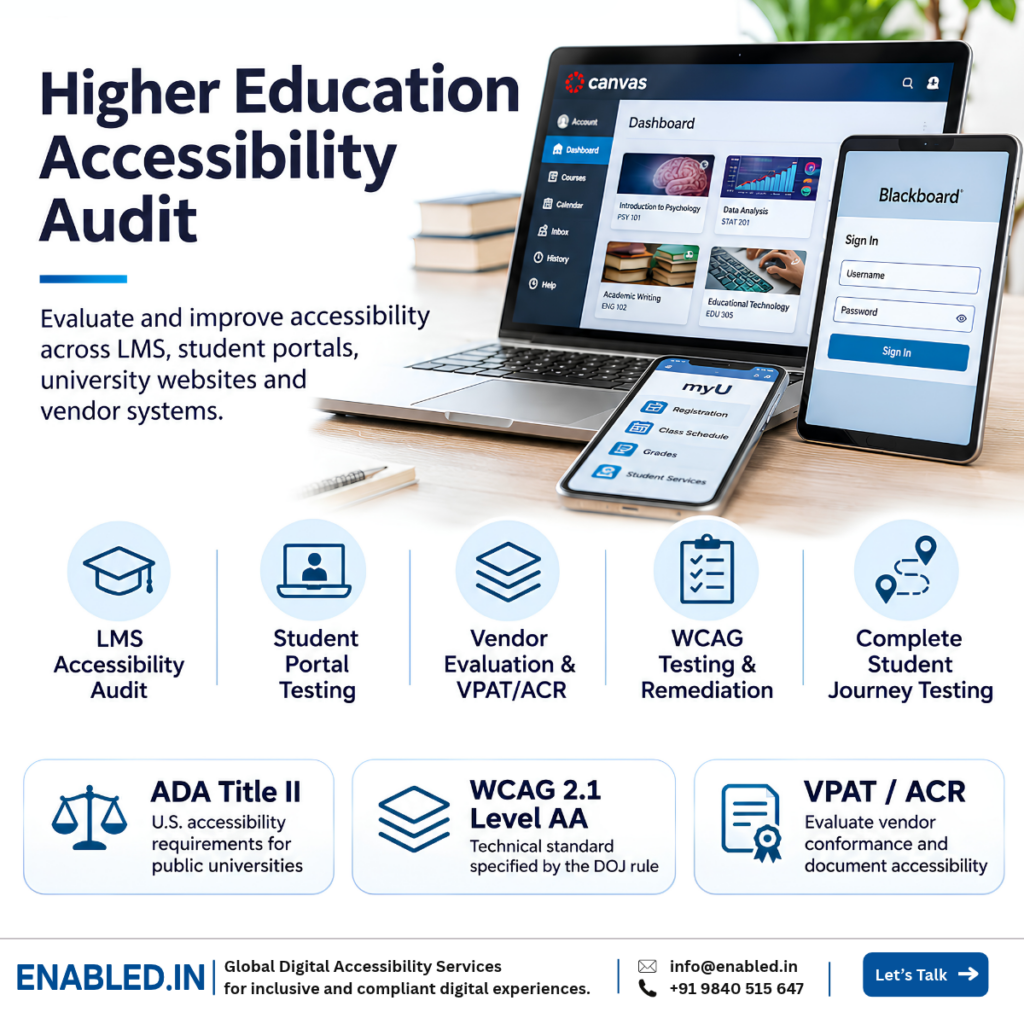
A higher education accessibility audit helps universities identify barriers in learning management systems, student portals, online assessments, university websites, digital documents and third-party applications.
For US public universities, digital accessibility is an important part of meeting obligations under the Americans with Disabilities Act (ADA). The Department of Justice’s Title II web accessibility rule establishes WCAG 2.1 Level AA as the technical standard for covered web content and mobile applications, subject to specified exceptions and provisions.
However, evaluating only a university homepage is not enough. Accessibility must extend to essential student services, academic workflows, vendor applications and digital learning materials.
What Is a Higher Education Accessibility Audit?
A higher education accessibility audit is a systematic evaluation of digital platforms used by students, faculty, staff and visitors. It combines automated testing, manual WCAG evaluation, keyboard testing, assistive-technology testing and complete user-journey validation.
The objective is to identify accessibility barriers, document technical evidence, prioritise remediation and verify improvements across institutional digital services.
Old Dominion University Report Highlights the Need for ICT Accessibility Evaluation
Old Dominion University published an Information and Communications Technology Accessibility Report in October 2026 under Virginia Code Section 2.2-3504.
The report identifies accessibility gaps and technology systems that require additional assessment or validation.
ODU describes a phased approach to expanding its ICT inventory, assessing accessibility conformance and prioritising high-impact systems and services.
The report demonstrates why institutions need an organised accessibility inventory, clear ownership, structured testing and an ongoing remediation programme.
Source: Old Dominion University ICT Accessibility Report, October 2026 .
ADA Title II Accessibility Requirements for Public Universities
The Department of Justice’s 2024 ADA Title II web accessibility rule applies to covered state and local government entities, including public higher education institutions.
The rule addresses web content and mobile applications provided directly or through contractual, licensing or other arrangements, subject to its exceptions and provisions.
Updated ADA Title II Compliance Deadlines
On April 20, 2026, the Department of Justice issued an interim final rule extending the compliance dates by one year.
| Public entity category | Compliance date |
|---|---|
| State and local public entities with a total population of 50,000 or more | April 26, 2027 |
| Public entities with fewer than 50,000 people and special district governments | April 26, 2028 |
A university should confirm its applicable compliance date using the rule’s public-entity classification and population provisions. Student enrollment alone does not determine the compliance date.
The deadline extension does not remove existing ADA Title II obligations to provide nondiscriminatory access to public programmes, services and activities.
Official source: Federal Register: April 2026 ADA Title II Compliance Date Extension .
WCAG 2.1 AA Versus WCAG 2.2 AA
The ADA Title II web accessibility rule specifies WCAG 2.1 Level AA.
Universities may additionally assess WCAG 2.2 AA to address newer accessibility requirements and improve digital experiences. However, WCAG 2.2 AA should not be described as the technical standard mandated by this rule.
What About Private Universities?
Private universities are generally not covered by ADA Title II solely because they operate as higher education institutions. Depending on their circumstances, ADA Title III, Section 504 of the Rehabilitation Act and other applicable laws may apply.
Institutions should confirm their legal obligations based on their status, funding and services.
Which University Digital Systems Should Be Audited?
A university accessibility programme should consider all important digital experiences, not just public-facing websites.
Learning Management Systems
Course content, assignments, discussions, quizzes, grading and student feedback.
Student Information Systems
Enrollment, registration, grades, transcripts and academic records.
Admissions and Applicant Portals
Application forms, document uploads, authentication and application tracking.
Online Assessment Platforms
Timed examinations, question navigation, answer selection and submission.
Library and Research Systems
Digital catalogues, journals, databases, eBooks and research platforms.
Campus Services
Housing, financial aid, payments, appointments and student support.
Digital Documents and Media
PDFs, forms, presentations, videos, learning resources and certificates.
Mobile Applications
University mobile apps, campus services and mobile learning experiences.
How Universities Should Prioritise Accessibility Audits
Universities may have many websites, applications and vendor systems. A risk-based approach helps accessibility teams focus first on services that are essential to students and staff.
Priority 1: Essential Student Services
Evaluate critical workflows such as admissions, course registration, financial aid, examinations, tuition payments and access to academic records.
Barriers in these services may directly prevent students with disabilities from completing important academic or administrative tasks.
Priority 2: High-Use Academic Platforms
Assess LMS platforms, course materials, digital libraries, student communication tools and commonly used learning applications.
Prioritise shared components and functions that affect many courses or departments.
Priority 3: Supporting Digital Systems
Review lower-use administrative platforms, departmental applications and supporting digital services according to their impact, known barriers and available alternatives.
Recommended Prioritisation Factors
- Impact on students with disabilities.
- Importance of the service or academic task.
- Number and frequency of users.
- Known accessibility complaints and barriers.
- Complexity of the application workflow.
- Availability of an equally effective accessible route.
- Vendor ownership and remediation responsibility.
- Planned software upgrades and procurement renewals.
LMS Accessibility Audits Must Cover Complete Student Journeys
Automated accessibility checks can identify some issues, but they cannot reliably evaluate every interactive learning experience.
Universities should assess complete tasks involving navigation, interaction, validation, submission and confirmation.
Example: Completing an Online Examination
Consider a student using a screen reader to complete an online examination.
- Sign in to the student portal.
- Open the assigned course.
- Navigate to the examination.
- Read examination instructions.
- Move between questions using a keyboard.
- Select answers and review responses.
- Understand time-related information.
- Submit the examination.
- Receive an accessible confirmation.
Every stage should be evaluated using relevant accessibility requirements and assistive technologies.
Common LMS Accessibility Barriers
- Question controls without accessible names.
- Incorrect focus order in examination dialogs.
- Timers that are not communicated appropriately.
- Validation errors not announced to screen readers.
- Drag-and-drop tasks without accessible alternatives.
- Inaccessible document uploads.
- Missing captions or text alternatives.
- Dynamic content that is not announced correctly.
Course Content Accessibility
An accessible LMS interface does not guarantee that uploaded learning materials are accessible. Course content should also be evaluated.
This includes PDF documents, presentations, video captions, images, data tables, mathematical content and interactive resources.
Vendor Accessibility, VPAT and ACR for University Procurement
Universities frequently purchase software from external vendors. Procurement teams need reliable information about accessibility before selecting or renewing a platform.
What Is a VPAT or Accessibility Conformance Report?
A Voluntary Product Accessibility Template (VPAT) is a reporting template used to prepare an Accessibility Conformance Report (ACR).
The completed ACR describes a product’s reported conformance with relevant accessibility criteria and documents limitations and supporting remarks.
A VPAT or ACR is not automatically proof of full accessibility or legal compliance. Universities should review the evidence and independently test important workflows.
University Vendor Accessibility Checklist
- Request the latest product-specific ACR.
- Confirm product version and assessed modules.
- Review the testing methods and environments.
- Check criteria marked Partially Supports or Does Not Support.
- Review remarks and documented limitations.
- Identify features excluded from evaluation.
- Request remediation commitments and timelines.
- Test essential student workflows independently.
- Include accessibility expectations in contracts.
- Reassess accessibility after significant updates.
Recommended Higher Education Accessibility Audit Methodology
- Build an ICT inventory. Identify websites, LMS modules, student portals, applications, documents and vendor systems.
- Define the assessment scope. Select critical workflows, user roles, environments and representative content.
- Map applicable standards. Establish the relevant ADA, WCAG and procurement requirements for each system.
- Perform automated testing. Identify machine-detectable accessibility issues.
- Conduct manual accessibility testing. Evaluate keyboard operation, focus management, navigation, forms and dynamic interactions.
- Test assistive technologies. Evaluate appropriate combinations of NVDA, JAWS, VoiceOver, TalkBack and browsers.
- Validate complete student journeys. Test authentication, registration, learning, assessment and submission.
- Document actionable findings. Record actual behaviour, expected behaviour, affected components, evidence and guidance.
- Support remediation. Guide developers and vendors on correcting verified accessibility barriers.
- Retest and maintain governance. Verify corrections, document outstanding barriers and schedule recurring reviews.
Recommended Audit Deliverables
| Deliverable | Purpose |
|---|---|
| ICT accessibility inventory | Identify systems and assessment coverage. |
| WCAG audit report | Document verified accessibility barriers. |
| Technical evidence | Provide reproducible issue details. |
| Remediation recommendations | Guide accessible implementation. |
| Assistive-technology results | Record tested environments and observations. |
| Retesting report | Confirm fixes and remaining issues. |
| VPAT/ACR, where applicable | Summarise product conformance and limitations. |
| Accessibility roadmap | Prioritise remediation and ongoing reviews. |
How Enabled.in Supports Universities and Higher Education Technology Providers
Enabled.in provides digital accessibility auditing, testing, consulting, remediation guidance and VPAT/ACR services for universities, EdTech vendors and enterprise learning platforms.
LMS Accessibility Audits
Evaluate learning platforms, assignments, assessments and interactive course workflows.
Student Portal Accessibility
Test admissions, registration, financial services and academic record systems.
WCAG and Assistive-Technology Testing
Combine manual evaluation with screen reader, keyboard and mobile accessibility testing.
Vendor Accessibility Assessment
Review product accessibility documentation and validate important institutional workflows.
VPAT/ACR Documentation
Prepare evidence-based product conformance documentation for applicable requirements.
Remediation and Retesting
Provide actionable developer guidance and verify implemented corrections.
Our assessment approach combines automated testing, manual expert evaluation and assistive-technology testing. Testing with persons with disabilities can also be incorporated based on project requirements.
Explore related Enabled.in resources:
Frequently Asked Questions
Does ADA Title II apply to public universities?
Yes. Covered public universities and colleges are subject to ADA Title II. The DOJ web accessibility rule establishes specific technical requirements for covered web content and mobile applications.
What are the current ADA Title II web accessibility deadlines?
Following the April 2026 extension, the deadlines are April 26, 2027 and April 26, 2028, depending on the public entity classification.
Does ADA Title II require WCAG 2.2 AA?
No. The DOJ’s 2024 Title II web accessibility rule specifies WCAG 2.1 Level AA. WCAG 2.2 AA can be adopted as an additional accessibility improvement target.
Should universities audit third-party LMS platforms?
Yes. Universities should evaluate the accessibility of important student workflows, including those provided through vendor systems.
Is a vendor VPAT enough to establish compliance?
No. A completed ACR provides conformance information, but it does not replace independent evaluation of critical workflows and institutional configurations.
Should course PDFs and videos be assessed?
Yes. Relevant course materials should be included in accessibility planning. PDF structure, alternative text, captions and other accessibility features may require evaluation and remediation.
Can Enabled.in audit authenticated student portals?
Yes. Authenticated systems can be assessed using authorised test accounts, appropriate test environments and representative data.
Building an Accessible University Digital Environment
Digital accessibility in higher education extends beyond a university’s public website. LMS platforms, student services, vendor applications, documents and mobile experiences all contribute to students’ ability to participate in academic life.
The Old Dominion University report illustrates the value of maintaining an ICT inventory and identifying systems that require further evaluation or remediation.
Universities can improve accessibility by combining risk-based planning, independent audits, complete student-journey testing, vendor accountability and ongoing remediation validation.
Enabled.in supports universities and technology providers through structured accessibility testing, technical guidance and evidence-based reporting.
Speak with a Higher Education Accessibility Expert
Need guidance on ADA Title II, WCAG accessibility audits, LMS testing, student portals or vendor VPAT/ACR documentation?
Discuss your university’s accessibility requirements, testing scope, remediation priorities and timelines with our team.
Sathasivam Kannupayan
Head of Digital Accessibility Services,
Enabled.in
Over 17 years of experience in digital accessibility auditing, assistive-technology testing, remediation guidance and VPAT/ACR documentation.
References and Further Reading
Discover more from Enabled.in
Subscribe to get the latest posts sent to your email.