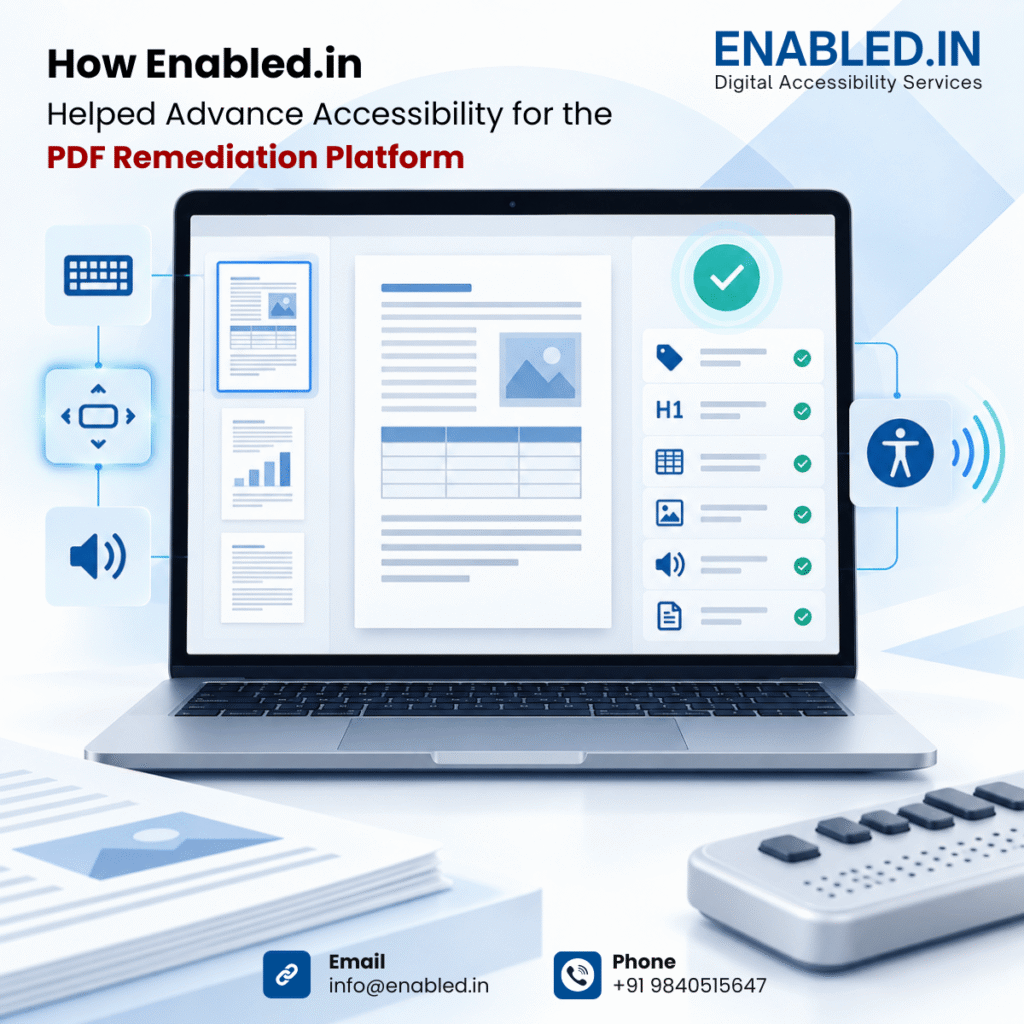
This case study explains how an independent accessibility audit can help a PDF remediation platform improve its own user experience, strengthen accessible document output and prepare evidence for customers that require WCAG, Section 508, EN 301 549 or VPAT/ACR information.
The Accessibility Challenge
A PDF remediation platform is not only a tool that produces accessible documents. It is also a complex application that users must operate to inspect document structures, correct issues, review results and export files.
| Challenge | Why it matters |
| Inaccessible controls | Screen-reader and keyboard users may be unable to upload, edit, validate or export documents. |
| Complex structures | Tag trees, tables, page lists and properties panels can be difficult to navigate without clear semantics. |
| Status and errors | Users may not know whether a document is processing, saved, corrected or ready for export. |
| Visual barriers | Low contrast, weak focus indicators or poor zoom behaviour can block low-vision users. |
| Procurement expectations | Customers may request independent audit evidence and a formal VPAT/ACR before purchase. |
Engagement Objectives
- Evaluate the accessibility of the PREP application interface.
- Test the end-to-end document-remediation journey.
- Identify barriers affecting people with different disabilities.
- Assess keyboard and screen-reader compatibility.
- Review WCAG 2.2 Level AA conformance.
- Validate representative accessible PDF output.
- Provide developer-ready remediation guidance.
- Retest corrections and support VPAT/ACR evidence.
Scope of Assessment
| Workflow area | Examples of coverage |
| Access and dashboard | Sign-in, account recovery, navigation, workspace, search, notifications and empty states. |
| Upload | File selection, drag-and-drop alternative, progress, validation, errors and multiple-file upload. |
| Analysis | Processing states, detected elements, page navigation, document outline and issue summaries. |
| Remediation | Headings, lists, tables, links, images, alternate text, reading order, language, metadata and bookmarks. |
| Checker and reports | Results, warnings, issue descriptions, filters, status changes and report downloads. |
| Collaboration | Assignment, comments, review status, notifications and permissions. |
| Export | Save, download, completion messages, file naming, errors and reopening. |
| Output PDF | Tags, reading order, headings, tables, links, alternate text, title, language and bookmarks. |
Standards and Guidance
The primary basis is WCAG 2.2 Level AA. The assessment also considers relevant PDF accessibility expectations and, where required, procurement mapping for Section 508 and EN 301 549.
- WCAG 2.2 Level AA
- Revised Section 508
- EN 301 549
- PDF/UA-related document expectations
- India-specific requirements such as BIS IS 17802, where applicable
- Customer-specific accessibility and procurement criteria
Conclusion
The PDF Plaftform addresses an important need by helping organizations remediate PDF and document content at scale. For the platform to deliver that value consistently, accessibility must extend across the complete experience: the application interface, remediation controls, validation reports and exported PDFs.
Enabled.in helps Continual Engine strengthen this experience through independent auditing, manual and automated testing, keyboard and screen-reader validation, PDF output review, remediation guidance, retesting and VPAT/ACR support.
The result is a more usable, inclusive and procurement-ready PDF remediation platform, supported by clear evidence and a practical path for continuous improvement.
Want to know how we addressed these barriers?
Get the full case study to explore Enabled.in's approach and the work behind the improvements.
Get the full case study