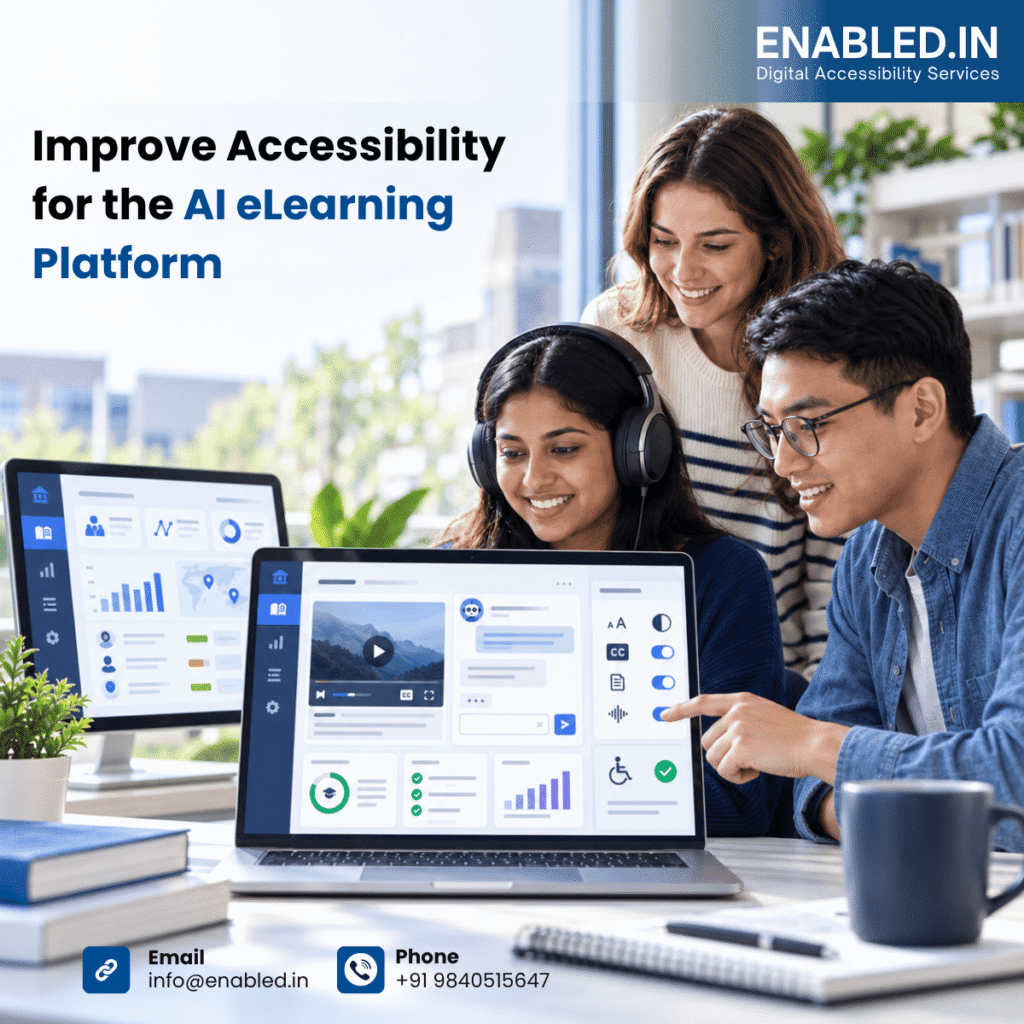
This case study explains how Enabled.in can help AI improve access for students, educators, administrators and support teams. It covers the AI chatbot, student tutor, feedback and grading, campus support, administrator functions, LMS integrations and accessibility evidence. Project-specific findings and outcome measures should be added after the formal audit.
Accessibility Challenges
- Chat controls may not have clear accessible names.
- New AI responses may not be announced to screen-reader users.
- Focus may move unexpectedly after sending a question.
- Long responses may be difficult to review or navigate.
- Links, lists, tables or code in an AI response may not have a clear structure.
- Loading, error and retry messages may not be communicated.
- Administrator dashboards may depend on colour, charts or complex tables.
- Embedded chatbot behaviour may change inside each supported LMS.
- Customers may request independent audit evidence and a VPAT/ACR.
Assessment Scope
- Login, single sign-on, password recovery and session timeout.
- Student chatbot: open, ask, submit, receive, review and continue a conversation.
- AI tutor: course context, source links, citations, feedback and follow-up questions.
- Campus support: search, answers, escalation and contact options.
- AI feedback and grader: assignment review, comments, scores and status updates.
- Administrator portal: dashboard, users, roles, knowledge, courses, settings and reports.
- Analytics: charts, filters, tables, exports and accessible text alternatives.
- LMS integrations: embedded assistant, navigation, focus and cross-platform behaviour.
- Responsive views, zoom, reflow, mobile access and browser compatibility.
Standards and Testing Basis
The primary assessment basis is WCAG 2.2 Level AA. Where required, Enabled.in can map results to Section 508, EN 301 549, ADA-related requirements, the European Accessibility Act, UK requirements and BIS IS 17802.
Deliverables
- Accessibility test plan
- Detailed audit report
- Student and administrator journey findings
- Remediation guidance
- Developer and QA workshops
- Retest and regression report
- VPAT/ACR report
- Accessibility roadmap
Conclusion
LearnWise AI can help institutions support students and staff across many digital touchpoints. To achieve an inclusive experience, accessibility must cover the chatbot conversation, AI-generated content, student workflows, administrator portal, analytics and LMS integrations.
Enabled.in helps LearnWise AI through independent auditing, manual and automated testing, keyboard and assistive-technology testing, AI interaction review, remediation guidance, retesting and VPAT/ACR support. This approach helps build a more usable, inclusive and procurement-ready eLearning platform.
Want to know how we addressed these barriers?
Get the full case study to explore Enabled.in's approach and the work behind the improvements.
Get the full case study