ONLINE EXAMS · ASSESSMENT SAAS · WCAG 2.2 AA
Can every candidate, student, and employee complete an online test without accessibility barriers?
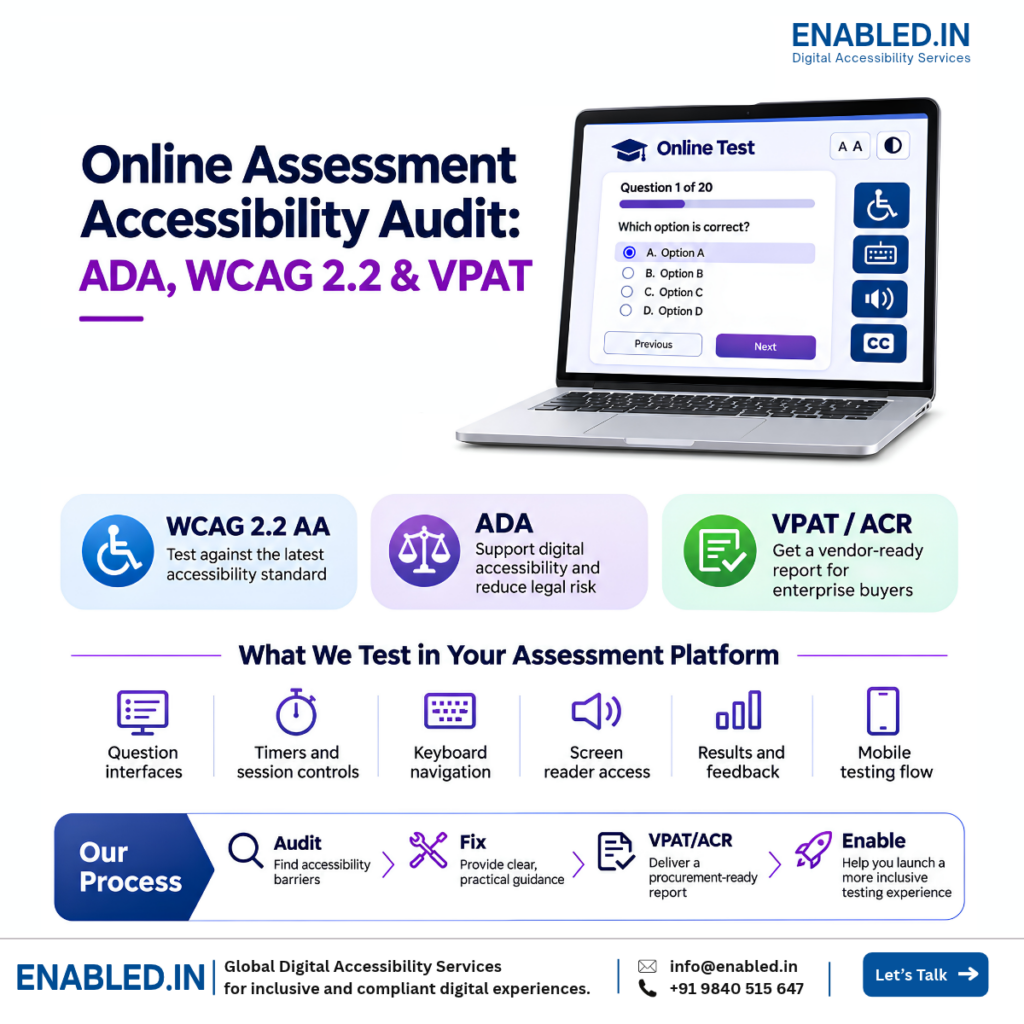
An online assessment accessibility audit checks whether people can start, complete, and submit tests using a keyboard, screen reader, and other accessibility tools. It helps find barriers in questions, timers, navigation, and results.
These checks matter for recruitment tests, online exams, employee training, and professional certification. A barrier may stop someone from showing their knowledge or skills. It can also affect product quality and enterprise procurement reviews.
How does Enabled.in help assessment SaaS vendors?
Enabled.in tests online assessment websites, SaaS platforms, and mobile apps. We identify WCAG barriers, guide developers, re-test agreed fixes, and prepare VPAT-based Accessibility Conformance Reports (ACRs) when commissioned.
Why accessibility matters for online testing platforms
Support fair participation
Help candidates and learners complete tests using accessible controls and assistive technology.
Improve exam completion
Find barriers in questions, timers, navigation, and final submission.
Support enterprise procurement
Give buyers clear accessibility findings and VPAT/ACR information when required.
Improve product quality
Find issues in shared exam controls that may affect many assessments and users.
Five critical online assessment user journeys
We test complete tasks, not only individual pages. Some barriers appear only after a user starts a test, answers a question, or submits a response.
1. Starting an online assessment
A candidate opens an invitation, signs in, reads exam rules, and starts the test.
Accessibility barrier: The Start Assessment button cannot be reached using a keyboard.
Expected behavior: The candidate can reach and activate the button using a keyboard.
Related WCAG: 2.1.1 Keyboard and 2.4.3 Focus Order, where applicable.
2. Completing a timed exam
A student reads questions, selects answers, checks the remaining time, and moves between sections.
Accessibility barrier: The timer is shown on screen, but its remaining time cannot be read using a screen reader.
Expected behavior: The student can check the remaining time without repeated alerts that interrupt the exam. Time limits and extension options are also reviewed.
Related WCAG: 1.3.1 Info and Relationships and 2.2.1 Timing Adjustable, where applicable.
3. Answering interactive questions
A candidate answers multiple-choice questions, matches items, enters text, or completes a task.
Accessibility barrier: A matching question only allows users to drag items with a mouse.
Expected behavior: Users can complete the task without dragging items.
Related WCAG: 2.1.1 Keyboard and 2.5.7 Dragging Movements, subject to exceptions.
4. Reviewing and submitting answers
A candidate checks unanswered questions, opens a confirmation dialog, and submits the exam.
Accessibility barrier: The confirmation dialog opens, but keyboard focus stays on the page behind it.
Expected behavior: Focus moves into the dialog. Users can operate its controls, and focus returns to a suitable location when the dialog closes.
Related WCAG: 2.1.1 Keyboard, 2.4.3 Focus Order, and 4.1.2 Name, Role, Value, as applicable.
5. Creating tests and reviewing results
An administrator creates questions, sets exam rules, assigns candidates, and reviews results.
Accessibility barrier: Icon-only buttons in a results table have no accessible names.
Expected behavior: Each button has a clear name that tells users what action it performs.
Related WCAG: 4.1.2 Name, Role, Value.
What we test in online assessment SaaS platforms
Candidate and student portals
- Registration and sign-in
- Exam invitations and instructions
- Question navigation
- Answer review and submission
- Results and feedback
Assessment question types
- Multiple-choice and multi-select
- Text and essay responses
- Matching and ordering
- File uploads
- Math, media, and interactive questions
Exam controls
- Timers and time extensions
- Progress and status updates
- Keyboard focus
- Error messages
- Score reports and results tables
Admin and mobile workflows
- Question bank management
- Exam settings
- Candidate assignment
- Reports and dashboards
- iOS and Android apps, if in scope
We agree on which modules, user roles, devices, and tasks to test before starting the audit.
For recruitment testing, see our ATS Accessibility Audit Services .
Common accessibility barriers in online exams
Online exams have features that need special care. These features may create barriers even when the main website works well.
- Timed exams: Check time limits, warnings, extensions, and what happens when time runs out.
- Changing questions: Check content that updates after an answer is selected or a new question opens.
- Drag-and-drop: Check keyboard use and other ways to complete the same task.
- Media questions: Check captions, transcripts, and other required accessible alternatives.
- Math and technical content: Check how equations, symbols, and code work with assistive technology.
- Remote proctoring: Review identity checks, camera access, alerts, and monitoring steps when in scope.
- Exam security: Check whether exam restrictions block needed accessibility tools.
Some tests have special rules or essential tasks. We review the relevant requirements and record any limits rather than assume one solution works for every exam.
How Enabled.in tests assessment accessibility
Automated scans can find some technical issues. They cannot confirm that a person can complete a full online exam.
- Automated testing: Find detectable issues on agreed screens.
- Keyboard testing: Check focus, navigation, questions, and submission.
- Screen reader testing: Test agreed tasks using tools such as NVDA, JAWS, VoiceOver, and TalkBack.
- Visual testing: Review contrast, zoom, reflow, text size, and visible focus.
- Mobile testing: Test supported iOS and Android workflows when included in scope.
- Real-user testing: Involve persons with disabilities when included in the project.
Our six-step accessibility audit process
-
Confirm scope and access
Review modules, user roles, question types, test accounts, exam rules, and devices.
-
Plan important user journeys
Select key exam tasks, question types, and shared controls for testing.
-
Test and document barriers
Use automated tools, keyboard checks, and screen readers. Record issues, user impact, and WCAG mapping.
-
Guide developers
Share steps to reproduce each issue, explain expected behavior, and suggest fixes.
-
Re-test agreed fixes
Check corrected issues and record any barriers that remain.
-
Prepare VPAT/ACR reporting
When commissioned, prepare a report based on the tested product version and agreed accessibility criteria.
WCAG, ADA, Section 508, and EN 301 549
Employers, schools, government agencies, and enterprise buyers may ask assessment vendors to meet accessibility requirements.
- WCAG 2.2 AA: A common technical target for accessible websites and SaaS interfaces.
- ADA: U.S. accessibility duties may apply based on the organization and service.
- Section 508: Relevant to covered U.S. federal technology procurement and use.
- EN 301 549: A European standard for ICT accessibility used in applicable rules and procurement.
We confirm which standards, versions, and requirements apply before testing. Meeting a technical standard does not by itself guarantee legal compliance.
VPAT/ACR for enterprise procurement
Assessment SaaS vendors may need to share accessibility evidence with employers, universities, and government buyers.
What is a VPAT/ACR?
A VPAT is a template used to prepare an Accessibility Conformance Report (ACR). The ACR explains which accessibility requirements a product supports and describes known limits.
An ACR is not a certification or a guarantee of legal compliance.
How does an audit help procurement teams?
An accessibility audit provides findings, tested workflows, and remediation progress. A VPAT-based ACR helps buyers review the product’s documented accessibility status.
What will your team receive?
- Accessibility audit findings
- WCAG success criterion mapping
- Affected screens and reproduction steps
- Assistive technology observations
- Remediation guidance
- Re-testing results, when included
- VPAT/ACR, when commissioned
Why choose Enabled.in?
Enabled.in, a digital accessibility practice of TenthPlanet Technologies, provides accessibility audits, assistive technology testing, remediation guidance, re-testing, and VPAT/ACR reporting.
We focus on real user tasks. For assessment platforms, this means checking whether people can start a test, understand questions, give answers, manage time, and submit their work.
Our reports help developers understand what failed, where it failed, how it affects users, and what needs to change.
Frequently asked questions
What is an online assessment accessibility audit?
It checks whether people can complete online tests using a keyboard, screen reader, and other accessibility features.
Do you test timed online exams?
Yes. We can check timers, warnings, extensions, and timeout behavior.
Can you test different question types?
Yes. We can test multiple-choice, text, matching, drag-and-drop, and other agreed question types.
Do you test screen reader accessibility?
Yes. We test agreed workflows with relevant screen readers and browsers.
Can you test remote proctoring?
Yes, when the proctoring workflow and required access are included in scope.
Is automated scanning enough?
No. Manual and assistive technology testing are also needed for complex exam tasks.
Can you test authenticated assessment platforms?
Yes. We use agreed test accounts, roles, and suitable test environments.
Can you support our developers?
Yes. We provide steps to reproduce issues, expected behavior, and guidance for fixes.
Can Enabled.in re-test accessibility fixes?
Yes. We can check agreed fixes and document any remaining issues.
Can you prepare a VPAT/ACR?
Yes, when commissioned. The report is based on testing evidence and agreed criteria.
Does a VPAT guarantee ADA compliance?
No. An ACR reports accessibility conformance information. It does not guarantee legal compliance.
How do we start an accessibility audit?
Share your platform modules, user roles, question types, supported devices, and approximate screen count. We can then discuss scope and timelines.
Discover more from Enabled.in
Subscribe to get the latest posts sent to your email.