Oracle Fusion Cloud | Enterprise ERP Accessibility
Oracle ERP Accessibility Audit: WCAG, Section 508 and VPAT Assurance for Configured Workflows
Oracle publishes Accessibility Conformance Reports for its Fusion Cloud applications. But does an Oracle VPAT or ACR prove that your configured ERP system is accessible?
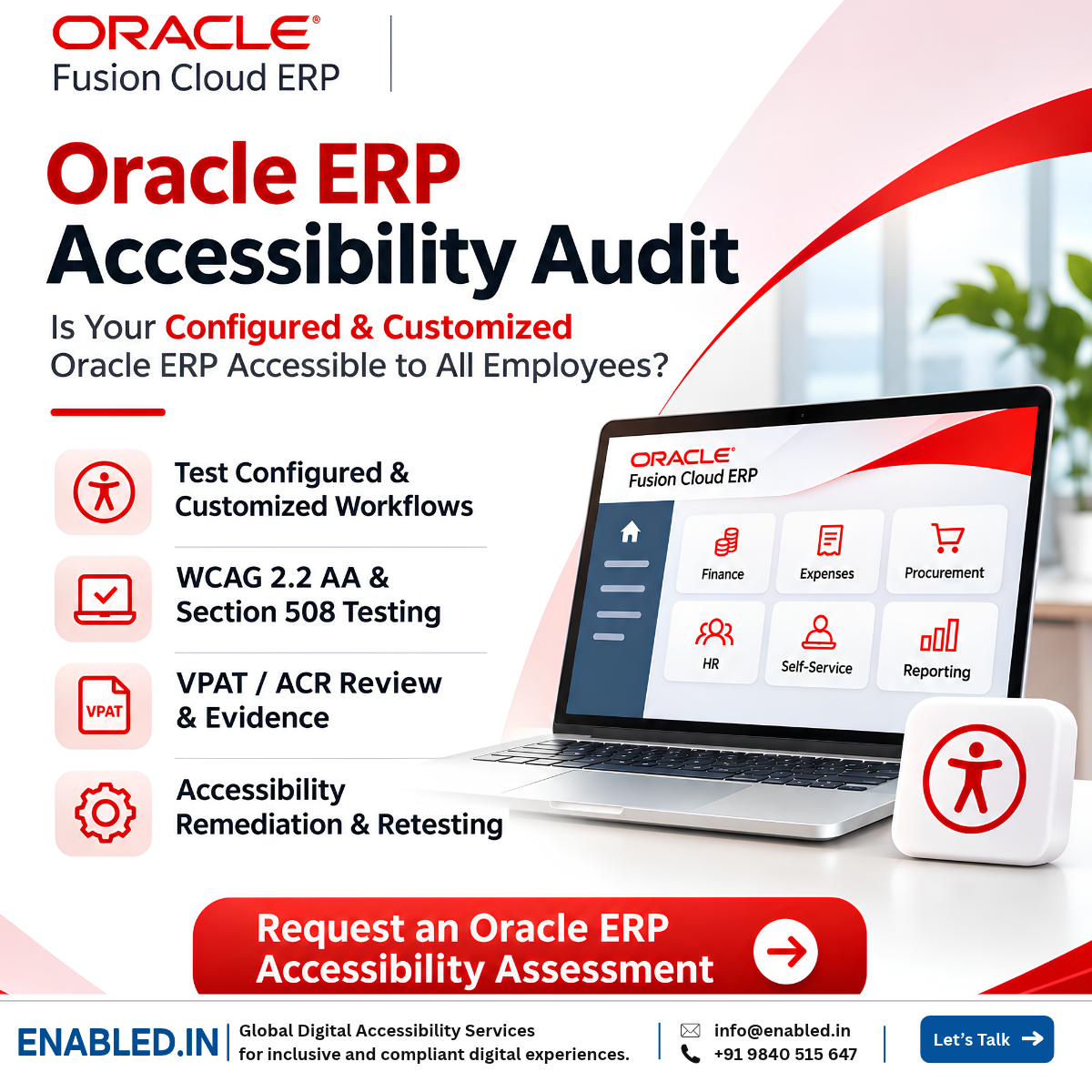
Not necessarily. Product-level accessibility documentation does not automatically validate customer configurations, custom forms, approval chains, integrations or complete business workflows.
An Oracle ERP accessibility audit helps organisations test the system employees actually use, from finance and expenses to procurement, HR and employee self-service.
Enabled.in provides ERP accessibility audit and testing services for enterprise applications, covering WCAG evaluation, assistive technology testing, remediation and accessibility conformance reporting.
1. Executive Summary
Oracle publishes Accessibility Conformance Reports using the VPAT framework for Oracle Fusion Cloud products. These reports describe accessibility support within a defined product scope.
However, a vendor ACR does not automatically establish the accessibility of a customer’s complete configured ERP environment.
Custom fields, approval workflows, integrations, dashboards and generated documents can introduce additional accessibility risks.
Organisations should review relevant Oracle ACRs, test configured business workflows, validate assistive technology support and retest after remediation.
2. What Oracle’s Accessibility Conformance Reports Actually Cover
Oracle maintains a public collection of Accessibility Conformance Reports for its enterprise products.
For example, Oracle published an ACR for Oracle Fusion Enterprise Resource Planning Cloud Service 26C, dated 3 August 2026.
The report references WCAG 2.0, 2.1 and 2.2 Level AA, together with Revised Section 508.
The umbrella ERP Cloud Service report marks its technical criteria as Not Applicable and directs readers to dependent product ACRs.
Oracle also publishes separate reports for relevant products such as Financials, Expenses, ERP Self Service and Procurement.
View Oracle’s official ACR directory
Vendor ACR vs Customer Audit
Vendor ACR: Describes accessibility support for the identified product, version and scope.
Customer accessibility audit: Evaluates the deployed configuration and whether users can complete real business tasks.
3. Why Configuration Can Introduce Accessibility Risks
Oracle Fusion applications can be configured for an organisation’s roles, policies, approval structures and business requirements.
Changes introduced during implementation may create barriers that are not addressed by the standard product ACR.
Custom Fields and Forms
Missing labels, unclear instructions, inaccessible required fields and validation errors.
Approval Workflows
Dialogs, approval actions and notifications that interrupt keyboard or screen reader use.
Third-Party Integrations
Payment, identity, reporting and document tools with separate accessibility limitations.
Custom Pages and Extensions
New components with incorrect semantics, keyboard interaction or focus management.
Reports and Exports
Generated PDFs, spreadsheets and business reports with inaccessible structure.
Role-Based Interfaces
Different experiences for employees, managers, finance teams and administrators.
4. Critical Oracle ERP Workflows to Test
Accessibility testing should follow real business processes, not only individual screens or components.
The exact scope depends on the licensed modules. HR and HCM functions may belong to Oracle Fusion HCM rather than Oracle Fusion ERP.
| Business Area | Critical Task | Accessibility Risks | Expected Outcome |
|---|---|---|---|
| Expenses | Create a claim, upload receipts and submit expenses. | File upload, dropdowns, date selection and errors. | Employee completes the expense request. |
| Finance | Review invoices, enter transactions and approve payments. | Complex tables, dialogs and focus management. | Finance user completes the transaction. |
| Procurement | Create and approve purchase requisitions. | Product search, dynamic fields and approval actions. | Requester completes the procurement task. |
| Employee Self-Service | Review assigned tasks and submit permitted requests. | Navigation, forms and confirmation messages. | Employee completes self-service tasks. |
| HR / HCM | Apply for leave, update details and view payslips. | Calendars, custom forms and documents. | Employee completes the HR workflow. |
| Manager Approvals | Review and approve employee or financial requests. | Data grids, menus, dialogs and notifications. | Manager can review and act on requests. |
| Reporting | Filter, review and export reports. | Charts, data tables and inaccessible exports. | User can understand and obtain information. |
5. Example: An Inaccessible Expense Approval Workflow
Consider an employee using NVDA and a keyboard to submit an expense reimbursement request.
The employee enters the amount, selects a category, uploads a receipt and prepares to submit the claim.
During implementation, the organisation added a mandatory Cost Centre dropdown to the form.
Illustrative Accessibility Failure
The dropdown opens visually, but keyboard users cannot reach its options.
NVDA does not announce the available choices, preventing the employee from submitting the claim.
Potential WCAG criteria: 2.1.1 Keyboard, 4.1.2 Name, Role, Value and 1.3.1 Info and Relationships, depending on the implementation.
Recommended Fix
Use an accessible native select control where practical, or implement the custom component with appropriate keyboard support, semantics, focus management and state announcements.
Retest the complete expense submission, not only the dropdown.
This example is illustrative and does not describe a verified defect in Oracle’s standard product.
6. Assistive Technology Testing for Oracle Fusion
Automated accessibility scanning is useful, but it cannot confirm that every ERP workflow is usable with assistive technology.
| Technology | Environment | Testing Focus |
|---|---|---|
| NVDA | Windows and Chrome | Forms, tables, navigation and status announcements. |
| JAWS | Windows and Chrome / Edge | Business controls, grids and approval workflows. |
| VoiceOver | macOS and Safari | Focus, navigation, forms and tables. |
| Keyboard Only | Supported desktop browsers | Focus order, dialogs, menus and task completion. |
| Magnification | Browser zoom and magnifier | Reflow, clipping and content visibility. |
| Mobile Assistive Technology | iOS and Android | VoiceOver and TalkBack where mobile workflows are in scope. |
7. WCAG 2.2 AA Testing Priorities
Complex ERP applications often require careful testing of interactive controls, forms, tables and changing content.
| WCAG Criterion | ERP Example | User Impact |
|---|---|---|
| 1.3.1 Info and Relationships | Incorrect form groups or table structure. | Relationships may not be announced. |
| 2.1.1 Keyboard | Inoperable custom dropdown or calendar. | Users cannot complete tasks. |
| 2.4.3 Focus Order | Incorrect focus after opening a dialog. | Users lose context. |
| 2.4.7 Focus Visible | Missing keyboard focus indicator. | Active control is difficult to identify. |
| 2.4.11 Focus Not Obscured (Minimum) | Sticky toolbar covers focused controls. | Focused content is hidden. |
| 3.3.1 Error Identification | Unclear expense submission errors. | Users cannot identify corrections. |
| 4.1.2 Name, Role, Value | Custom action lacks accessible semantics. | Screen readers cannot identify the control. |
| 4.1.3 Status Messages | Confirmation is displayed visually only. | Users may miss the result. |
8. Section 508, WCAG and Public-Sector Oracle ERP Procurement
US federal agencies must address applicable Revised Section 508 requirements when procuring, developing, maintaining or using covered ICT.
Revised Section 508 incorporates WCAG 2.0 Level AA for applicable content. WCAG 2.2 AA can serve as a stronger additional testing target, but it is not the incorporated Section 508 baseline.
Procurement Review Checklist
- Obtain the relevant Oracle module ACRs.
- Check report versions and product scope.
- Review Partially Supports and Does Not Support findings.
- Identify dependent products and exclusions.
- Include custom configuration and integrations in scope.
- Define accessibility acceptance criteria.
- Require testing evidence for critical business tasks.
For international organisations, EN 301 549 and other regional requirements may also be relevant, depending on the applicable procurement and legal framework.
9. Accessibility Responsibilities for Oracle Implementation Partners
Accessibility should be included throughout ERP implementation, not introduced only during final acceptance.
Solution Design
Identify user roles, accessibility requirements, workflows and dependencies.
Configuration
Review custom fields, forms, layouts, business rules and approval chains.
Development
Apply accessible component patterns to custom extensions.
System Testing
Combine functional QA with WCAG and assistive technology testing.
User Acceptance Testing
Include accessibility scenarios and representative disabled-user validation.
Release Management
Retest after updates, customisation and integration changes.
10. Recommended Oracle ERP Accessibility Audit Process
A structured assessment helps teams identify barriers, assign fixes and produce reliable accessibility evidence.
-
Identify the Environment
Record modules, versions, roles, supported devices and deployment scope.
-
Review Oracle ACR Coverage
Map vendor reports to the actual products and features.
-
Inventory Customisation
Identify custom fields, pages, reports, integrations and approval workflows.
-
Prioritise Business Tasks
Select representative tasks for employees, managers, finance and procurement teams.
-
Conduct Accessibility Testing
Combine automated checks, manual WCAG testing, keyboard evaluation and screen reader testing.
-
Provide Developer Recommendations
Document the affected component, reproduction steps, screenshot, actual and expected behaviour, user impact and recommended fix.
-
Retest the Complete Workflow
Verify remediation and confirm successful task completion.
-
Prepare Accessibility Evidence
Provide audit results, test coverage, remediation status and appropriately scoped conformance documentation.
Need a Structured ERP Assessment?
Explore Enabled.in’s ERP accessibility audit methodology and services for enterprise applications, including configured workflows, assistive technology testing and remediation support.
11. Customer-Specific Accessibility Reports and VPAT / ACR Evidence
A customer-specific accessibility report should describe the deployed system, not simply repeat the vendor ACR.
Recommended Report Contents
- Tested modules, versions and environments.
- Business roles and workflows covered.
- Oracle product ACR references.
- WCAG and applicable Section 508 coverage.
- Browser and assistive technology test matrix.
- Findings, severity and user impact.
- Reproduction evidence and recommended fixes.
- Retesting results and known limitations.
- Customer-specific conformance documentation where appropriate.
A customer-specific ACR should clearly state its assessed scope and must not be presented as Oracle’s official vendor ACR.
12. How Enabled.in Supports Oracle ERP Accessibility
Enabled.in, the digital accessibility services practice of TenthPlanet Technologies, supports enterprises and implementation partners with accessibility evaluation and remediation.
Our enterprise ERP accessibility testing services can be scoped to Oracle Fusion environments, including configured business workflows and integrated components.
Configured ERP Audits
Test custom forms, workflows, controls and integrations.
WCAG 2.2 AA Evaluation
Manual and automated testing of applicable pages and components.
Assistive Technology Testing
JAWS, NVDA, VoiceOver, keyboard and magnification testing.
Critical Task Validation
End-to-end evaluation of finance, expenses, procurement and employee workflows.
VPAT / ACR Evidence
Vendor ACR review and customer-specific conformance assessment.
Remediation and Retesting
Developer-focused findings, fix recommendations and validation.
13. Frequently Asked Questions
Is Oracle Fusion ERP accessible?
Oracle publishes accessibility conformance reports for Fusion Cloud products. Accessibility depends on the product, version, feature and configuration. Organisations should review the relevant reports and test their deployed workflows.
Does Oracle’s VPAT cover customer configurations?
A vendor ACR describes the named product within its stated scope. It does not automatically validate customer-created forms, extensions, integrations or configured workflows.
Why is a separate Oracle ERP accessibility audit needed?
A customer-specific audit helps identify barriers introduced through configuration and integration. It also tests whether employees can complete critical business tasks.
Which Oracle ERP modules should be tested first?
Prioritise critical tasks in licensed modules such as expenses, finance, procurement, reporting and self-service. Include HCM where it is part of the project scope.
Does Section 508 require WCAG 2.2 AA?
Revised Section 508 incorporates WCAG 2.0 Level AA for applicable content. WCAG 2.2 AA is a useful additional technical target.
Which assistive technologies should be used for Oracle ERP testing?
A representative matrix may include NVDA, JAWS, VoiceOver, keyboard-only testing and magnification, using supported browser combinations.
Can Oracle implementation partners include accessibility in acceptance testing?
Yes. Accessibility can be included in design, configuration, system testing, user acceptance testing and release validation.
Can Enabled.in prepare customer-specific VPAT or ACR evidence?
Enabled.in can support accessibility assessments and appropriately scoped VPAT-based ACR documentation. The report should identify the tested environment and evaluated workflows.
Is Your Configured Oracle ERP System Accessible to Every Employee?
Oracle’s product ACR is a valuable starting point. Your configured ERP environment still needs evidence that critical business workflows are accessible.
Request an Oracle ERP accessibility assessment from Enabled.in to identify barriers, support remediation and validate improvements.
Request an Oracle ERP Accessibility AuditEmail: sathasivam@enabled.in
Phone / WhatsApp: +91 9840515647
ERP Services: ERP Accessibility Audit and Testing Services
14. Official References and Technical Standards
About the Accessibility Expert
Sathasivam Kannupayan
Head of Digital Accessibility Services | Enabled.in
Sathasivam Kannupayan is an IAAP Certified Professional in Web Accessibility (CPWA) with over 17 years of experience in digital accessibility, WCAG audits, assistive technology testing and accessibility conformance assessments.
Expertise includes ERP and enterprise application accessibility, mobile accessibility, Section 508, VPAT/ACR reporting and real-user testing.
Discover more from Enabled.in
Subscribe to get the latest posts sent to your email.