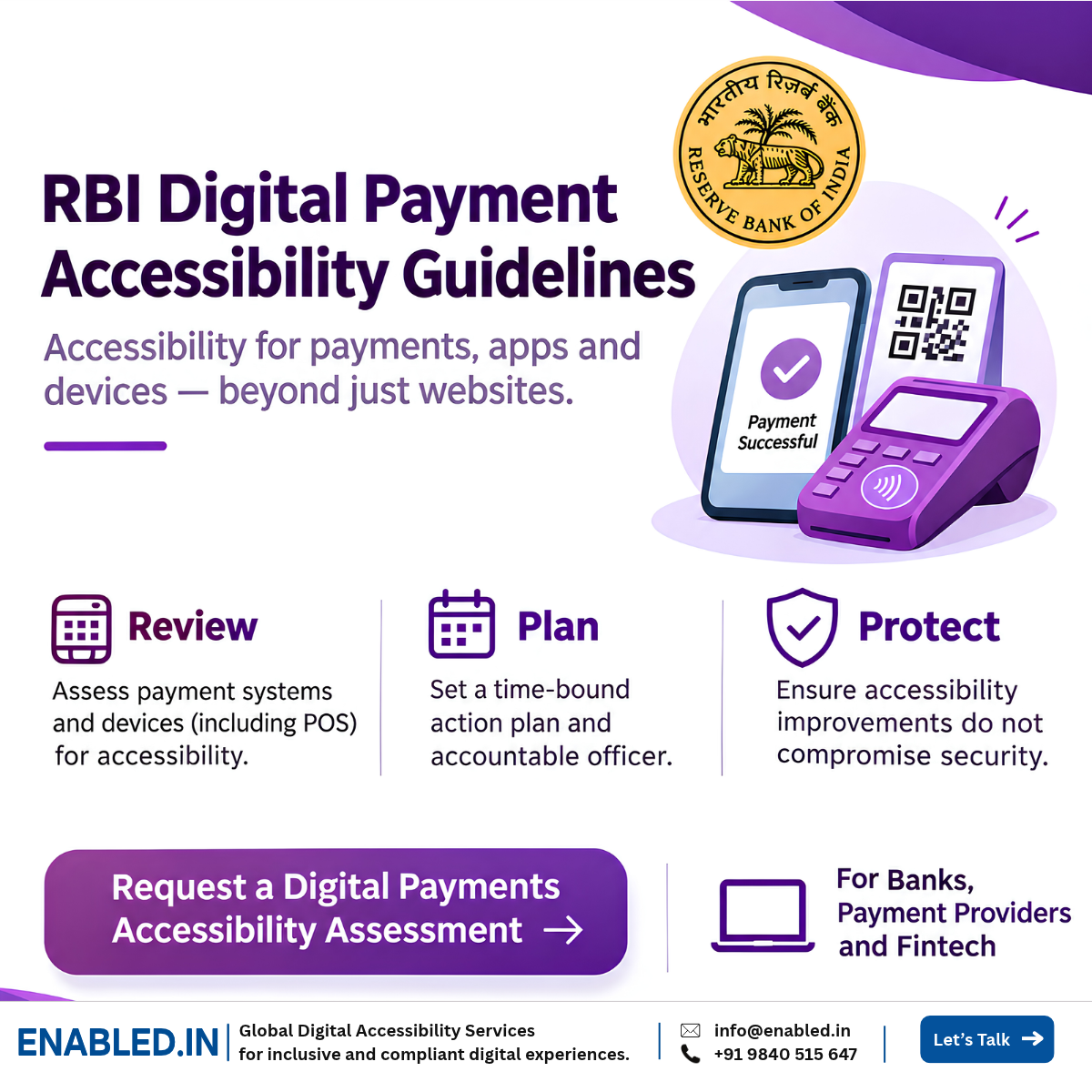
RBI Guidelines | Digital Payments | India
Accessible Payments Are More Than an Accessible Banking Website
Can a customer complete a payment independently if they cannot see the screen, use a touchscreen or operate a conventional payment terminal?
This is the practical question behind the Reserve Bank of India’s guidelines on accessibility of digital payment systems for persons with disabilities.
A bank may have an accessible website, yet customers can still face barriers when entering a UPI PIN, confirming a transaction, using a Point-of-Sale (POS) machine or reading a payment receipt.
RBI has asked banks and authorised non-bank payment system providers to review their payment systems and devices, identify accessibility improvements and ensure that modifications do not compromise security.
What Does RBI Expect from Payment System Participants?
The RBI circular addresses four connected responsibilities. Together, they make accessibility an operational issue for payment system owners, not simply a website design concern.
Examine payment systems and devices for accessibility to persons with disabilities.
Identify necessary improvements so payment systems and devices can be used with ease.
Document systems requiring modification and a time-bound action plan.
Ensure accessibility changes do not compromise payment security.
What Do the RBI Digital Payment Accessibility Guidelines Actually Say?
On 11 October 2024, RBI issued circular RBI/2024-25/83 on facilitating accessibility to digital payment systems for persons with disabilities. The official notification page is marked updated on 13 October 2026.
The circular addresses Payment System Participants (PSPs), including banks and authorised non-bank payment system providers. It advises them to review their systems and devices and make necessary accessibility modifications.
RBI specifically mentions POS machines and refers to the Ministry of Finance’s Accessibility Standards and Guidelines for the Banking Sector, notified on 2 February 2024.
Important date clarification: The notification was originally issued on 11 October 2024. Its October 2026 webpage update should not be treated as a new circular or a fresh compliance deadline.
The original directive required PSPs to submit details of systems needing modification, a time-bound action plan and nodal officer contact information within one month of the circular’s issue.
For organisations reviewing their current position, the useful question is whether the accessibility gaps identified in their payment systems have been addressed, tested and documented.
Who Needs to Pay Attention to These RBI Guidelines?
The circular directly addresses banks and authorised non-bank payment system providers. It also has practical implications for the technology partners supporting those institutions.
Directly Addressed by the Circular
- Banks participating in payment systems
- Authorised non-bank payment system providers
- Relevant payment system operations teams
- Designated nodal officers
Important Technology Stakeholders
- Fintech application developers
- POS device manufacturers and suppliers
- Payment gateway technology teams
- Mobile payment product teams
- Accessibility and cybersecurity specialists
Technology vendors are not automatically direct addressees of this circular. However, a bank or payment provider may depend on them to resolve barriers in the software and devices it operates.
This makes accessibility a product ownership and vendor-management issue, as well as a compliance responsibility.
Accessibility Must Cover the Entire Payment Journey
Consider a customer paying a bill using a mobile application. The app opens correctly with a screen reader, but the customer cannot identify the recipient or hear whether the transaction succeeded.
The app may pass several automated accessibility checks, yet the payment journey remains incomplete.
Find the payment function and choose a method.
Confirm the payee, amount and purpose.
Complete secure PIN, OTP or other authentication.
Understand success, failure or pending status.
Access receipts, transaction history and support.
An effective audit should check whether customers can complete these stages independently, including with assistive technologies.
The journey above is a recommended testing model. It is not a separate five-stage framework prescribed by RBI.
Which Digital Payment Systems Should Be Tested?
The assessment scope depends on the systems the institution operates. A useful starting point is to inventory customer-facing applications, devices and transaction channels.
| Payment Channel | What to Evaluate | Potential Barrier |
|---|---|---|
| Mobile Payment Applications | Screen reader navigation, focus, labels, forms and transaction feedback | Payment amount or result is not announced |
| Internet Banking | Keyboard access, form errors, zoom, contrast and authentication | User cannot complete a transfer without a mouse |
| POS Terminals | Controls, display, feedback, reach and secure operation | Instructions are only visual |
| UPI and QR Payments | Payment initiation, recipient identification and confirmation | Customer cannot verify the payee |
| Authentication | PIN, OTP, biometric alternatives and timeout behaviour | Secure authentication is inaccessible to some users |
| Receipts and Statements | Readable content, structure, transaction references | Receipt is an inaccessible image |
| Customer Support | Accessible complaints, transaction disputes and assistance channels | Customer cannot report a failed transaction |
Scope distinction: POS machines are expressly mentioned in the RBI notification. UPI, QR, receipts and support channels are recommended testing examples where relevant to the provider’s payment services.
Why POS Accessibility Requires More Than WCAG Testing
A POS terminal is not just a screen. It may have physical buttons, a touchscreen, a card reader, audio feedback, a PIN pad and a receipt printer.
A visually impaired customer may need help identifying an on-screen instruction. A customer with limited hand movement may struggle to reach or operate the device.
Even when the connected software is accessible, the transaction may still depend on an inaccessible physical interaction.
Physical Accessibility
- Reach and positioning
- Button identification
- Touchscreen alternatives
- Display readability
- Physical interaction effort
Digital and Transaction Accessibility
- Clear transaction instructions
- Accessible feedback
- Secure PIN entry
- Cancellation and recovery
- Accessible confirmation and receipts
WCAG is useful for applicable software interfaces, but it does not replace hardware-specific accessibility evaluation.
Can Payment Security and Accessibility Work Together?
Yes. Accessibility and security should be designed together. RBI specifically cautions that accessibility modifications must not compromise system security.
Consider an OTP field that is difficult to operate with a screen reader. Removing authentication is not the solution. The institution needs an accessible way to complete secure verification.
Example: An Inaccessible Payment Confirmation
What happens: A customer enters a payment amount and submits the transaction. A visual message appears, but the screen reader does not announce the result.
Why it matters: The customer may not know whether the payment succeeded and may attempt the transaction again.
What to improve: Provide an accessible transaction status announcement with clear confirmation information, while protecting sensitive data.
What to validate: Screen reader behaviour, duplicate-payment prevention, transaction integrity and secure error recovery.
Accessibility testing should involve product, engineering and security teams when a change affects authentication or transaction controls.
Does RBI Require WCAG 2.2 AA for Every Payment System?
The cited RBI notification does not expressly impose WCAG 2.2 AA as a blanket requirement for every payment system and device.
Instead, it refers to the Ministry of Finance’s Accessibility Standards and Guidelines for the Banking Sector, as applicable.
WCAG 2.2 AA can be a valuable technical benchmark for websites and applicable mobile payment interfaces. Hardware and other ICT components may need additional evaluation methods.
| Reference | Role | Use in Assessment |
|---|---|---|
| RBI Circular | Regulatory direction | Payment system and device accessibility review |
| Ministry of Finance Banking Standards | Sector accessibility standards and guidelines | Apply relevant provisions to covered systems and services |
| WCAG 2.2 AA | Technical accessibility standard | Web and applicable mobile interface testing |
| IS 17802 | Indian ICT accessibility standard | Relevant ICT requirements, subject to applicability |
| RPwD Act, 2016 | Broader disability rights framework | Consider applicable statutory accessibility obligations |
The correct assessment begins by identifying applicable legal and technical requirements for each product, rather than applying one checklist to every payment channel.
How Should Banks Test Digital Payment Accessibility?
A useful audit should answer a simple question: can customers with different disabilities complete important payment tasks safely and independently?
Automated scans can identify some code-level issues. They cannot establish whether a person can understand a payment confirmation, operate a terminal or recover from a failed transaction.
Technical Evaluation
- Automated accessibility checks
- Manual WCAG testing
- Keyboard interaction testing
- Screen reader testing
- Hardware and interface review
Customer Journey Evaluation
- Payment initiation
- Recipient verification
- Authentication and authorisation
- Transaction confirmation
- Error recovery and receipts
Recommended Assistive Technology Coverage
| Environment | Technology | Typical Evaluation |
|---|---|---|
| Windows / Chrome | NVDA | Forms, navigation, payment status |
| Windows / supported browser | JAWS | Authentication and transaction tasks |
| macOS / Safari | VoiceOver | Online payment journeys |
| iOS | VoiceOver | Mobile payment and confirmation |
| Android | TalkBack | UPI and QR payment interactions |
| POS Devices | Device-specific methods | Physical and digital interaction |
Testing with people with disabilities adds evidence about real task completion, particularly where software, hardware and security controls interact.
From Accessibility Findings to a Time-Bound Remediation Plan
Identifying a problem is only the beginning. Product teams need to know where it occurs, who is affected, how to fix it and whether the fix works.
The original RBI circular required PSPs to provide details of systems needing modification and a time-bound action plan. For ongoing governance, a structured remediation register can help track progress.
Step 1: Identify the Assets
Record payment applications, POS devices, supported versions and customer journeys.
Step 2: Test and Document Barriers
Capture actual behaviour, expected behaviour, user impact and evidence.
Step 3: Prioritise the Risks
Consider blocked transactions, customer impact, frequency and relevant security risks.
Step 4: Assign Fixes and Dates
Identify the responsible team, technical recommendation, target date and dependencies.
Step 5: Retest and Maintain Evidence
Validate the corrected workflow with relevant assistive technologies and record remaining issues.
Recommended report fields: Affected system, component, accessibility issue, steps to reproduce, actual behaviour, expected behaviour, user impact, severity, recommendation, responsible owner, target date, retesting status and evidence.
What Should a Digital Payments Accessibility Audit Report Include?
A good accessibility report should help a developer fix the issue, a product owner understand the impact and a compliance team monitor progress.
Technical Deliverables
- Application and device scope
- Accessibility findings
- WCAG and applicable standard mapping
- Assistive technology evidence
- Developer-ready recommendations
- Retesting and validation results
Management Deliverables
- Executive findings summary
- Customer impact assessment
- Prioritised remediation register
- Action-plan tracking
- Known limitations and workarounds
- Evidence for internal review
A VPAT-based Accessibility Conformance Report may also be useful for particular software products or procurement needs. However, this RBI circular does not expressly mandate a VPAT for all payment systems.
How Enabled.in Can Help Banks and Fintech Payment Providers
Enabled.in helps organisations identify digital accessibility barriers, understand their impact and prepare practical remediation guidance.
For payment providers, the scope can be designed around the systems that customers actually use, rather than limiting the engagement to a website accessibility scan.
Accessibility Assessment
- Banking and payment web applications
- Mobile payment applications
- UPI and QR payment workflows
- POS interface assessment, where scoped
- Authentication and transaction feedback
Testing and Remediation Support
- WCAG 2.2 AA technical evaluation
- NVDA, JAWS, VoiceOver and TalkBack
- Real user accessibility testing
- Developer-ready issue reports
- Retesting and remediation evidence
Assessment scope, device access and security testing responsibilities should be agreed before the engagement. Accessibility testing does not replace a cybersecurity penetration test or legal compliance determination.
Learn more about Enabled.in’s digital accessibility audit, WCAG testing and VPAT/ACR services .
Digital Payment Accessibility Readiness Checklist
Payment product owners and compliance teams can use the following checklist to organise their next review.
- Confirm which payment systems and devices are in scope.
- Review the RBI notification and applicable banking accessibility standards.
- Identify the most important customer payment journeys.
- Test web and mobile interfaces with appropriate accessibility methods.
- Assess POS devices and physical interaction barriers where relevant.
- Validate secure authentication and transaction confirmation.
- Document barriers and their impact on customers.
- Prioritise remediation and assign responsible owners.
- Retest fixes using appropriate assistive technologies.
- Maintain evidence of progress and outstanding accessibility gaps.
RBI Digital Payment Accessibility FAQs
What are the RBI digital payment accessibility guidelines?
They are RBI directions addressing accessibility of payment systems and devices for persons with disabilities. Payment system participants are advised to review their systems and make necessary accessibility modifications without compromising security.
When were the guidelines issued?
The circular was issued on 11 October 2024. The RBI notification page is marked updated on 13 October 2026.
Are POS machines included?
Yes. RBI expressly mentions Point-of-Sale machines as an example of payment devices requiring accessibility review.
Do the guidelines apply to fintech companies?
The circular addresses banks and authorised non-bank payment system providers. Other fintech companies may be involved as technology suppliers or partners, depending on their activities and contractual responsibilities.
Does RBI require WCAG 2.2 AA?
The cited notification does not expressly prescribe WCAG 2.2 AA for every payment system. WCAG 2.2 AA can be used as a technical benchmark where appropriate, alongside applicable regulatory standards.
Should UPI and QR payments be tested?
Yes, where they form part of the institution’s payment services. Testing should examine payment initiation, recipient verification, authentication, confirmation and error recovery.
How should payment security be protected?
Accessibility modifications should be reviewed with security teams to preserve authentication, privacy and transaction integrity. RBI expressly cautions against compromising system security.
Is a VPAT mandatory under the RBI circular?
The cited RBI circular does not expressly mandate a VPAT or ACR. Such reports may be useful for particular products, procurement or conformance needs.
What should an accessibility audit deliver?
An audit should provide documented findings, user impact, applicable requirement mapping, recommendations, assistive technology evidence and remediation validation.
How can Enabled.in support payment accessibility?
Enabled.in can provide scoped accessibility audits, assistive technology testing, real user evaluation, remediation recommendations, retesting and technical reporting.
Digital Payment Accessibility Assessment
Can Every Customer Complete a Payment Independently?
Your payment application may work for most customers while still creating barriers for people using screen readers, keyboards or alternative input methods.
Enabled.in can help your team identify those barriers, understand the user impact and prepare a practical accessibility remediation plan.
Email: sathasivam@enabled.in
Phone / WhatsApp: +91 9840515647
Official References
- Reserve Bank of India: Facilitating Accessibility to Digital Payment Systems for Persons with Disabilities – Guidelines . Circular dated 11 October 2024, notification page updated 13 October 2026.
- W3C Web Content Accessibility Guidelines (WCAG) 2.2 .
- Department of Financial Services, Ministry of Finance . Refer to the applicable Accessibility Standards and Guidelines for the Banking Sector.
Reviewed November 2026. This article distinguishes RBI directions from recommended accessibility assessment methods. Organisations should verify the applicable regulatory requirements for their systems.
Contact a Digital Accessibility Expert
Sathasivam Kannupayan
Head of Digital Accessibility Services,
Enabled.in
IAAP Certified Professional in Web Accessibility (CPWA), with more than 17 years of experience in digital accessibility audits, enterprise applications, assistive technology testing and accessibility conformance reporting.
Discover more from Enabled.in
Subscribe to get the latest posts sent to your email.