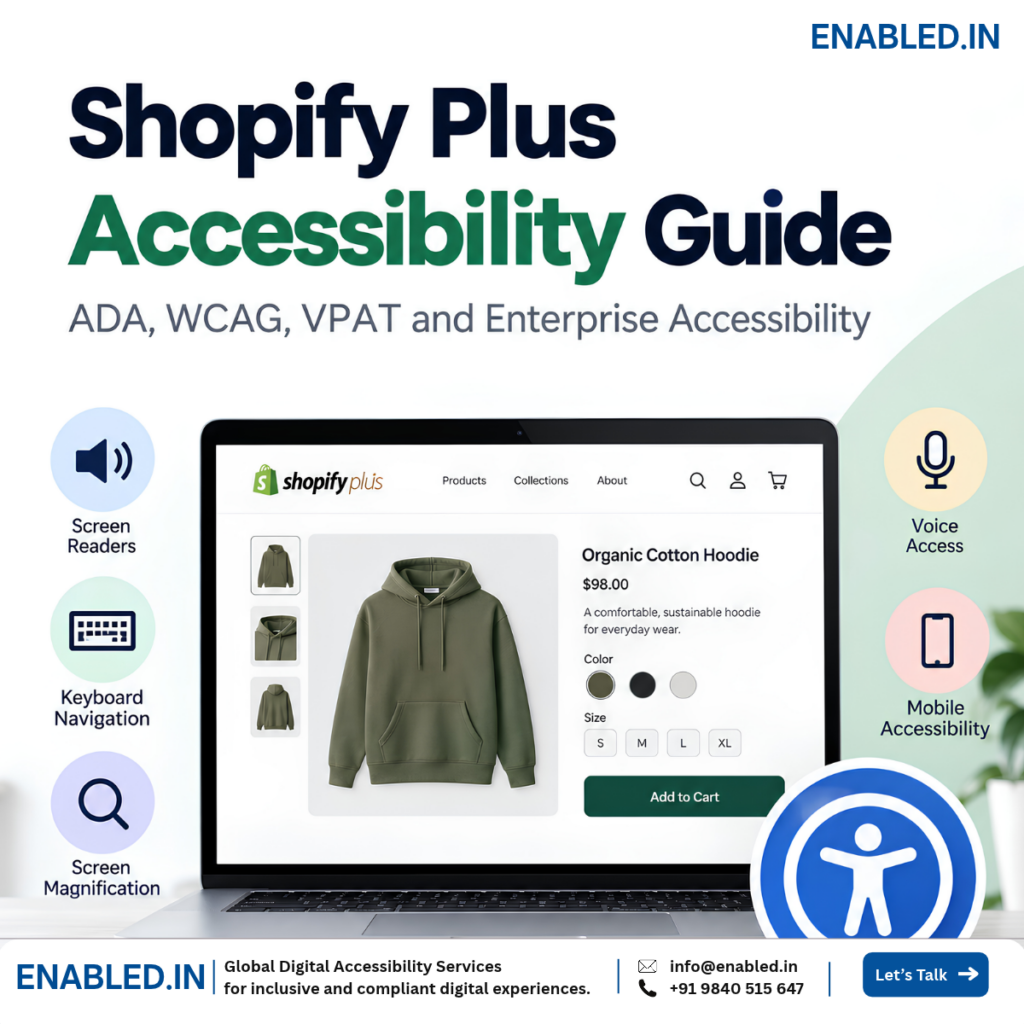
Shopify Plus Accessibility Guide
Shopify Plus Accessibility: ADA, WCAG, VPAT and Enterprise Accessibility
Shopify Plus gives enterprise businesses more control over storefronts, checkout, B2B commerce, apps, international stores and headless commerce. Each customization can also affect accessibility.
Step 01
Understand Shopify Plus Accessibility
Start by looking at accessibility from the customer’s point of view.
Shopify Plus accessibility means making the complete shopping experience usable by people with disabilities.
Customers may use
- Screen readers
- Keyboard navigation
- Screen magnification
- Voice access
- Mobile assistive technologies
Accessibility needs may include
- Low vision support
- Limited mobility or dexterity support
- Hearing accessibility
- Cognitive and learning accessibility
- Clear content and predictable interaction
Step 02
Identify the Complete Shopify Plus Experience
Do not test only the theme. Identify every important part of the customer experience.
Accessibility scope
- Theme
- Search
- Filters
- Products
- Variants
- Cart
- Checkout
- Payment
- B2B
- Apps
- International
- Headless
Why is this important?
Accessible Theme + Inaccessible Product App = Inaccessible Product Journey
Accessible Storefront + Inaccessible Checkout = Incomplete Purchase Journey
Accessible Store + Inaccessible B2B Portal = Inaccessible B2B Experience
Step 03
Test Product Discovery
Check whether customers can independently find the product they need.
Customer journey
- Navigate
- Search
- Filter
- Compare
- Select
What?
Test how customers find and browse products.
How?
- Keyboard navigation
- Visible focus
- Mega menus
- Search suggestions
- Filter controls
- Screen reader announcements
- Zoom and reflow
Why?
If customers cannot navigate, search or filter, they may never reach the product they want to buy.
Step 04
Test Product Pages and Variants
Customers need to understand the product, price, options, availability and selected variant.
Customer needs clear answers
- What is the product?
- How much does it cost?
- What options are available?
- Which option is selected?
- Is it available?
- How do I add it to my cart?
Accessibility checks
- Product title and description
- Product image alternative text
- Image gallery
- Price and sale price
- Size and color
- Quantity controls
- Stock status
- Add to Cart
Step 05
Test Cart, Checkout and Payment
Checkout is one of the most important accessibility and conversion journeys in e-commerce.
Purchase journey
- Cart
- Contact
- Address
- Delivery
- Discount
- Payment
- Review
- Confirmation
Forms and controls
- Form labels
- Required fields
- Instructions
- Keyboard access
- Visible focus
- Radio buttons and checkboxes
- Address suggestions
Errors and updates
- Error identification
- Error suggestions
- Focus management
- Dynamic updates
- Payment controls
- Status messages
- Order confirmation
Step 06
Test B2B, Apps and Advanced Experiences
Shopify Plus accessibility extends beyond the standard storefront.
B2B
- Company selection
- Catalog navigation
- Product tables
- Bulk ordering
- Payment terms
- Order management
Apps & Integrations
- Search and filters
- Reviews
- Loyalty
- Chat
- Subscriptions
- Wishlists
- Payment services
Headless
- Semantic HTML
- Keyboard interaction
- Focus management
- ARIA
- Dynamic content
- Client-side routing
International Stores
- Page language
- Language changes
- Currency
- Country selection
- Regional forms
- Local checkout
Mobile
- VoiceOver
- TalkBack
- Touch targets
- Orientation
- Zoom
- Gestures
Step 07
Test Complete Customer Journeys
Do not test only individual pages. Test whether customers can complete critical tasks from beginning to end.
Example purchase journey
- Homepage
- Search
- Filter
- Product
- Variant
- Cart
- Checkout
- Delivery
- Payment
- Confirmation
Repeat critical journeys using
- Keyboard only
- Screen reader and keyboard
- Zoom and magnification
- Mobile screen reader
Step 08
Evaluate Against WCAG 2.2 Level AA
WCAG 2.2 Level A and AA provide a strong technical baseline for evaluating Shopify Plus accessibility.
Perceivable
Images, contrast, captions, text resizing and reflow.
Operable
Keyboard access, focus, touch targets and no keyboard traps.
Understandable
Clear labels, instructions, navigation and error messages.
Robust
Names, roles, states, values and assistive technology support.
Legal and Procurement Context
ADA, Section 508 and Accessibility Procurement
Technical accessibility testing, legal requirements and procurement documentation are related, but they are not the same thing.
ADA and WCAG
For U.S. businesses, digital accessibility may need to be considered in the context of the ADA.
ADA: U.S. civil rights law.
WCAG: Technical accessibility standard.
Section 508 and Procurement
Section 508 can be important when U.S. federal agencies buy or use applicable digital products and services.
Procurement teams may ask:
- Which accessibility standards were tested?
- Was manual testing performed?
- Which assistive technologies were used?
- What accessibility issues remain?
- Is an ACR available?
Accessibility Documentation
Understand VPAT and ACR
Accessibility documentation can support enterprise, government and education procurement.
VPAT®
Template
The Voluntary Product Accessibility Template® is used to document accessibility conformance information.
ACR
Completed Report
An Accessibility Conformance Report describes the evaluated product’s accessibility conformance.
Testing Evidence
Build Credible Accessibility Evidence
Do not depend only on automated accessibility testing.
Automated Testing
Find detectable technical issues.
Manual Testing
Evaluate requirements that need expert human review.
Keyboard Testing
Test important journeys without using a mouse.
Assistive Technology
Test with NVDA, JAWS, VoiceOver and TalkBack.
Mobile Testing
Test responsive shopping journeys.
Real-User Testing
Include people with disabilities where required.
How Enabled.in Can Help
Shopify Plus Accessibility Audit and Testing Process
Enabled.in evaluates the complete Shopify Plus customer experience, not only automated accessibility scores.
- Discover Understand the Shopify Plus implementation, business requirements and customer journeys.
- Scope Select templates, components, apps, integrations and critical journeys.
- Audit Perform automated, expert manual, keyboard, assistive technology and mobile testing.
- Report Document the issue, user impact, WCAG mapping, evidence and recommended fix.
- Re-Test Verify accessibility fixes after remediation.
- Document Support VPAT/ACR preparation where applicable.
Practical Review
Shopify Plus Accessibility Checklist
Use these questions to review the accessibility of critical Shopify Plus customer journeys.
- Can customers navigate using only a keyboard?
- Can screen reader users search and filter products?
- Are product images and information accessible?
- Can customers understand and select product variants?
- Are selected options clear without relying only on color?
- Can customers manage the cart independently?
- Are checkout forms clearly labelled?
- Are errors easy to understand and correct?
- Can customers complete payment independently?
- Are status and confirmation messages announced?
- Have important third-party apps been tested?
- Are B2B workflows accessible?
- Has mobile screen reader testing been completed?
- Have complete customer journeys been tested?
Frequently Asked Questions
Shopify Plus Accessibility FAQ
- Is Shopify Plus automatically ADA compliant?
- No. Themes, apps, custom code, content, checkout settings and integrations can affect the accessibility of the final store.
- Should Shopify Plus checkout be accessibility tested?
- Yes. Checkout is a critical part of the purchase journey. Custom settings, extensions and payment services can affect accessibility.
- Should Shopify Plus apps be accessibility tested?
- Yes, when they affect important customer journeys such as search, filters, reviews, subscriptions, chat or payment.
- Should Shopify B2B be accessibility tested?
- Yes, when B2B functionality is part of the Shopify Plus customer experience.
- Does a Shopify Plus store need a VPAT?
- Not automatically. A VPAT/ACR may be relevant when the solution is part of an ICT product or service and a buyer or procurement team requests accessibility conformance information.
- Is a VPAT an accessibility certification?
- No. A VPAT is a reporting template. A completed ACR documents the evaluated product’s accessibility conformance.
- Can Enabled.in test a customized Shopify Plus store?
- Yes. The scope can include storefronts, themes, templates, search, filters, products, variants, checkout, payment, B2B, apps, international stores, mobile experiences and headless commerce.
Shopify Plus Accessibility Audit
Assess Your Shopify Plus Accessibility
Your theme may be accessible, but barriers can still exist in search, filters, product variants, apps, checkout, payment, B2B and custom experiences.
Enabled.in helps Shopify Plus teams evaluate the complete customer journey through manual testing, assistive technology testing, real-user testing, remediation guidance and re-testing.
Accessibility Audit → Manual Testing → Assistive Technology Testing → Real-User Testing → Remediation Guidance → Re-Testing → VPAT/ACR Support
Start with Your Shopify Plus Store
Share your Shopify Plus store URL and key customer journeys. We can help define the accessibility testing scope based on your implementation, target market and procurement requirements.
Enabled.in Digital Accessibility Services
A Digital Accessibility Practice of TenthPlanet Technologies
Email: info@enabled.in
Phone/Whatsapp: +91 98405 15647
Discover more from Enabled.in
Subscribe to get the latest posts sent to your email.