Can every student use your school’s digital tools? Can a parent read a school notice with a screen reader? Can a student complete an online test without using a mouse?
These questions matter across Virginia’s public schools. A November 2026 report from the Virginia Department of Education (VDOE) shows gaps in digital accessibility testing, school documents, staff training and vendor review.
This guide explains the key findings, what school leaders should review and how to plan an accessibility audit and remediation programme.
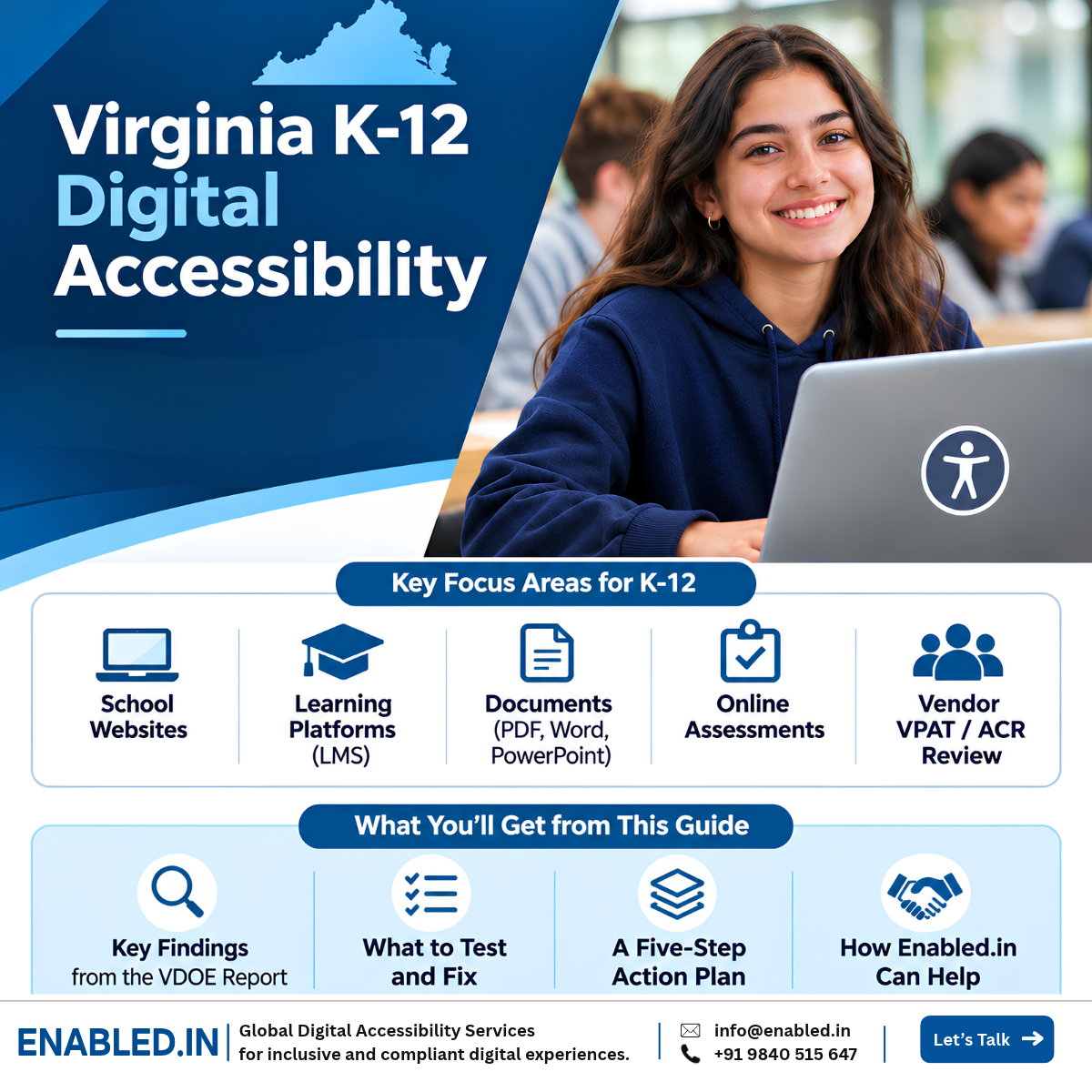
What Does Virginia’s 2026 Accessibility Report Mean for Schools?
The report shows that many digital systems still need review. Schools also face large document workloads, limited budgets and gaps in staff training. A practical response is to list digital assets, test key tasks, fix barriers and check vendor accessibility claims.
What Did Virginia’s 2026 Digital Accessibility Report Find?
VDOE reviewed its own digital systems and ran a voluntary survey across Virginia’s 131 public school divisions. The report found different levels of readiness.
Public school divisions in the survey population
Of reported training responses marked in progress
Of reported training responses marked not started
The training figures describe reported survey responses. They are not verified rates for all 131 divisions.
Four Gaps That Need Attention
- Digital asset records: Some schools do not know how many websites, apps or documents have access barriers.
- Learning platforms: Some vendor systems have accessibility reports but still need further checks.
- Documents: SharePoint, PDFs and Office files create large workloads. Schools need a clear plan to review and fix them.
- Staff and funding: Schools need better tools, training, guidance and funding for accessibility work.
Some divisions reported costs above $100,000 to $200,000. One estimate reached millions of dollars in staff time. These are individual estimates, not a statewide cost total.
Source: VDOE Report on Digital Accessibility Compliance, November 1, 2026 .
Which Accessibility Rules Apply to Virginia Public Schools?
School leaders should review both Virginia law and federal disability access rules. These rules have different purposes and may have different deadlines.
| Rule | What It Covers | Action |
|---|---|---|
| Virginia Information Technology Access Act | State rules for accessible digital technology | Review ICT and report relevant access gaps |
| HB2541 (2025) | Updated access, reporting and procurement duties | Improve planning and vendor review |
| ADA Title II | Access to public services, including covered web content and mobile apps | Test against applicable WCAG 2.1 AA requirements |
| Section 508 | Federal ICT accessibility standards | Apply where required or incorporated |
Does ADA Title II require WCAG 2.2 AA? No. The DOJ’s 2024 web rule uses WCAG 2.1 Level AA for covered web content and mobile apps, subject to applicable exceptions. WCAG 2.2 AA can be used as an extra testing goal.
School divisions should check which state and federal requirements apply to them. They should also confirm the relevant dates and exceptions before setting a compliance plan.
What Digital Systems Should Virginia Schools Test?
Start with the tools that students, families and teachers use most often. Test complete tasks, not just homepages.
- School websites: Menus, forms, headings, links and keyboard access.
- Learning management systems: Lessons, assignments, discussions and course files.
- Online assessments: Questions, answer controls, time limits and submission.
- Student and parent portals: Login, grades, records and school messages.
- PDF and Office documents: Reading order, headings, tables, forms and image text.
- SharePoint and vendor tools: Document access, key tasks and accessibility evidence.
Example: An Online Test
A student using a screen reader can open a test but cannot select an answer. The login page may work, yet the main task fails.
This is why schools need task-based testing with assistive technology.
Which Testing Methods Matter?
- Automated accessibility checks
- Manual WCAG testing
- Keyboard-only testing
- NVDA, JAWS and VoiceOver testing
- Mobile screen reader testing
- Testing with people with disabilities
- PDF and Office document review
Automated tools are useful, but they cannot find every access barrier. Manual and user testing are still important.
Why Should Schools Review Vendor VPATs and ACRs?
A VPAT is a template used to prepare an Accessibility Conformance Report (ACR). The report explains how a product supports accessibility standards.
It is useful for buying software, but it does not replace independent testing.
Ask the Vendor For
- A current product ACR
- Product version and scope
- Known access barriers
- Testing details
- A plan to fix issues
Check These Tasks
- Student login
- Course navigation
- Assignment submission
- Online test completion
- Keyboard and screen reader use
The VDOE report notes that vendor-maintained systems often have accessibility documents but still need review and validation.
A Five-Step Accessibility Plan for School Divisions
Schools do not need to fix every issue on the same day. They need a clear plan based on risk and user needs.
- List Digital Assets Record websites, apps, learning platforms, documents and vendors.
- Choose Priority Tasks Focus on learning, assessments, forms and school communication.
- Test Accessibility Use automated tools, manual checks and assistive technology.
- Fix and Retest Give each issue an owner. Check that fixes work for users with disabilities.
- Train and Monitor Train staff, use accessible templates and review new vendor products.
School Accessibility Readiness Checklist
- Current ICT inventory
- Priority user journeys
- Website accessibility testing
- LMS and assessment testing
- Document review plan
- Current vendor ACRs
- Remediation owners and dates
- Staff training plan
This five-step plan is a recommended approach. It is not a timetable issued by VDOE.
How Enabled.in Helps Virginia Schools and EdTech Vendors
Enabled.in helps teams find access barriers, understand their impact, plan fixes and test the results.
Our Accessibility Testing Process
- Scope review: Identify systems, users and key tasks.
- Accessibility audit: Run automated and manual WCAG tests.
- Assistive technology testing: Check tasks using screen readers and keyboards.
- User testing: Include people with disabilities where scoped.
- Fix guidance: Report issues with evidence and clear steps.
- Retesting and reporting: Check fixes and prepare ACR documents where needed.
Learn How Enabled.in Conducts Accessibility Audits
Our ADA Title II service page explains the testing process, WCAG evaluation, assistive technology checks and VPAT/ACR reporting.
Explore Enabled.in’s ADA Title II Accessibility Audit and Testing Services
Services for Education
- School website audits
- LMS accessibility testing
- Online assessment testing
- PDF and Office document remediation
- VPAT/ACR review and preparation
- Screen reader testing
- Developer fix guidance
- Accessibility retesting
- Staff accessibility training
- Procurement support
Virginia K-12 Digital Accessibility FAQs
What did Virginia’s 2026 accessibility report find?
VDOE found gaps in ICT reviews, document access, vendor checks, funding and staff training.
Do schools need to test learning platforms?
Schools should assess the accessibility of learning tools covered by applicable requirements. Important tasks include course access, assignments and online tests.
Does a vendor VPAT prove a product is accessible?
No. A VPAT-based ACR provides product accessibility information. Key tasks may still need independent testing.
Does ADA Title II require WCAG 2.2 AA?
The DOJ’s 2024 web rule uses WCAG 2.1 Level AA for covered web content and mobile apps, subject to applicable exceptions.
How can Enabled.in help school divisions?
Enabled.in offers accessibility audits, LMS testing, document remediation support, assistive technology testing, VPAT/ACR services, retesting and training.
Need Help Finding and Fixing School Accessibility Gaps?
Start with the digital tools your students, families and staff use. Enabled.in can help review access barriers, plan fixes and validate results.
Email: sathasivam@enabled.in
Phone / WhatsApp: +91 9840515647
Sources and Further Reading
- Virginia Department of Education: Report on Digital Accessibility Compliance . November 1, 2026.
- Virginia Information Technology Access Act .
- DOJ ADA Title II Web Accessibility Rule .
- WCAG 2.1, W3C .
- VPAT and ACR Resources, ITI .
This guide uses findings from the official VDOE report. The audit plan and service recommendations are practical guidance, not instructions issued by VDOE.
Contact a Digital Accessibility Expert
Sathasivam Kannupayan
Head of Digital Accessibility Services,
Enabled.in
IAAP Certified Professional in Web Accessibility (CPWA), with more than 17 years of experience in digital accessibility audits, eLearning platforms, assistive technology testing and accessibility reporting.
Discover more from Enabled.in
Subscribe to get the latest posts sent to your email.